

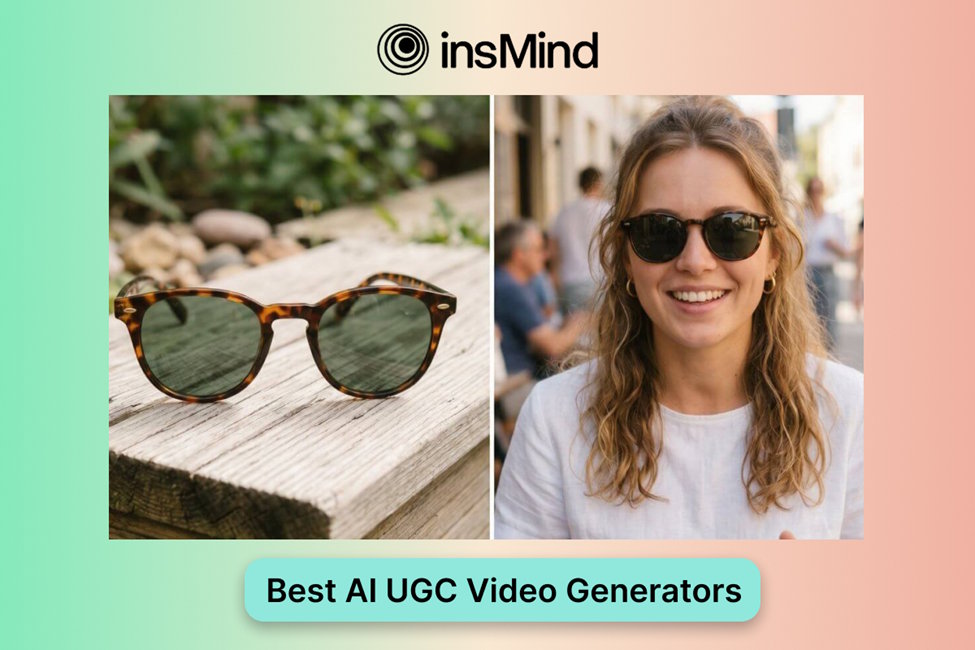
TikTok rewards creative that feels quick, personal, and native to the feed. That is why UGC-style ads are so valuable: they look less like polished commercials and more like content a real person would stop to watch. The challenge is producing enough versions to test without slowing down your campaign.
The right AI UGC video generator can help brands create product reviews, testimonials, unboxing clips, lifestyle demos, and short ad variations much faster while still leaving room for human strategy and review.
Why AI UGC Video Generators Matter for TikTok Ads
TikTok creative fatigue can happen quickly. A hook that works this week may feel old next week, so advertisers need fresh angles, faster testing, and more flexible production. AI UGC tools support that rhythm by turning product assets, scripts, and prompts into multiple video drafts.
They are especially useful for teams that want to test creator-style ads without coordinating every variation from scratch. You can experiment with different hooks, benefits, personas, and calls to action before investing more budget into the winners.
What to Look for in a Great AI UGC Video Generator
A strong tool should be easy to use, support TikTok-ready vertical formats, and offer enough style variety to match your audience. It should also help you move from idea to usable creative without forcing you through a complicated production process.
- Simple workflow for marketers and creators
- UGC formats such as review, testimonial, unboxing, and lifestyle demo
- 9:16 exports for TikTok ads
- Prompt and script support
- Room for brand review before publishing
How to Choose the Right AI UGC Video Generator
Start with the campaign goal. If you need product education, choose a tool that handles demos clearly. If your priority is social proof, look for testimonial-style outputs. If you need broader creative testing, an AI video generator with multiple format options may be more useful.
You should also consider whether the tool supports product-focused workflows. For ecommerce, a product video generator can be especially helpful because it turns product assets into ad-ready clips.
Common Pitfalls to Avoid When Using AI Video Generators
The biggest pitfall is assuming AI can replace creative judgment. AI can speed up production, but marketers still need to check the hook, claims, audience fit, pacing, and brand voice.
- Do not publish every AI draft without review
- Avoid generic prompts that create generic ads
- Test multiple hooks instead of relying on one version
- Keep the message specific to the product and audience
insMind and Top Alternatives Compared
Below is a quick look at insMind and several alternatives for creating TikTok-style UGC ads.
Recommended: insMind
insMind is a practical option for creating AI-powered UGC videos because it combines a beginner-friendly workflow with fast creative generation and TikTok-ready output.
Pros
- Easy-to-use interface
- Multiple UGC styles
- Optimized for short-form ad formats
Cons
- Human review is still needed for brand alignment
- More testing may be required to find the winning hook
Creatify
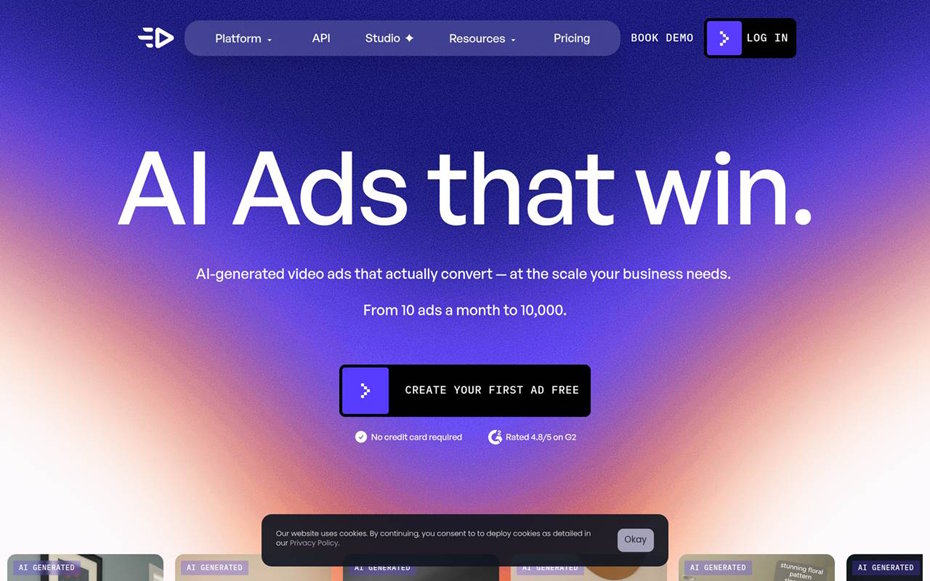
Creatify provides AI tools for UGC-style ad creation and works well for teams that want template-based product videos.
Pros
- Wide template selection
- Beginner-friendly workflow
Cons
- Some customization can feel limited
- Advanced needs may require higher plans
Synthesys
Synthesys focuses on voice and video synthesis, making it useful for teams that need polished voiceover-driven creative.
Pros
- Strong voice synthesis
- High-quality output options
Cons
- More setup time
- Learning curve may be steeper
Tagshop AI
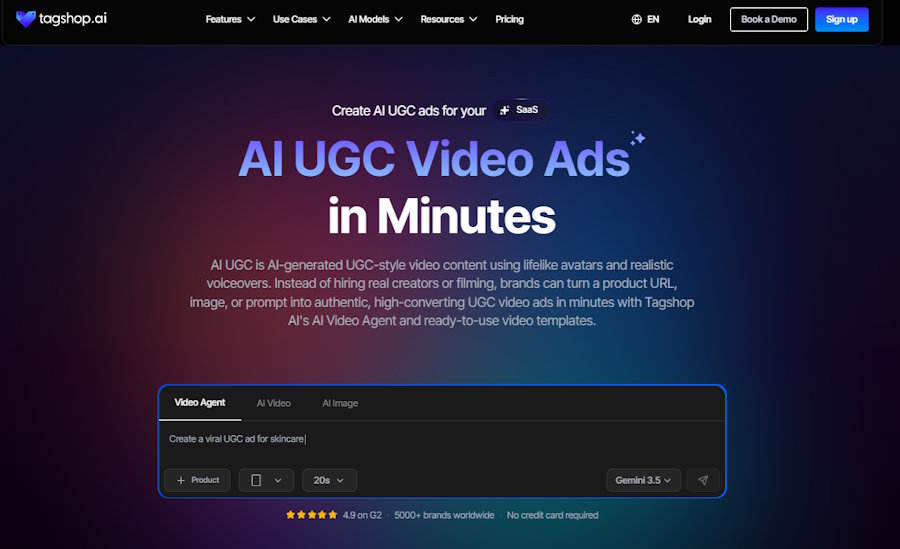
Tagshop AI is an AI UGC video generator that helps brands and marketers create engaging UGC-style video ads without relying on traditional production or hiring creators for every campaign.
Pros
- AI-powered UGC video creation
- Quickly generates product-focused ad creatives
- Designed for marketing and DTC brands
- Helps create multiple video variations for ad testing
- Beginner-friendly workflow
Cons
- Advanced customization may require some learning
- Best results depend on clear product inputs and creative direction
UGC Copilot
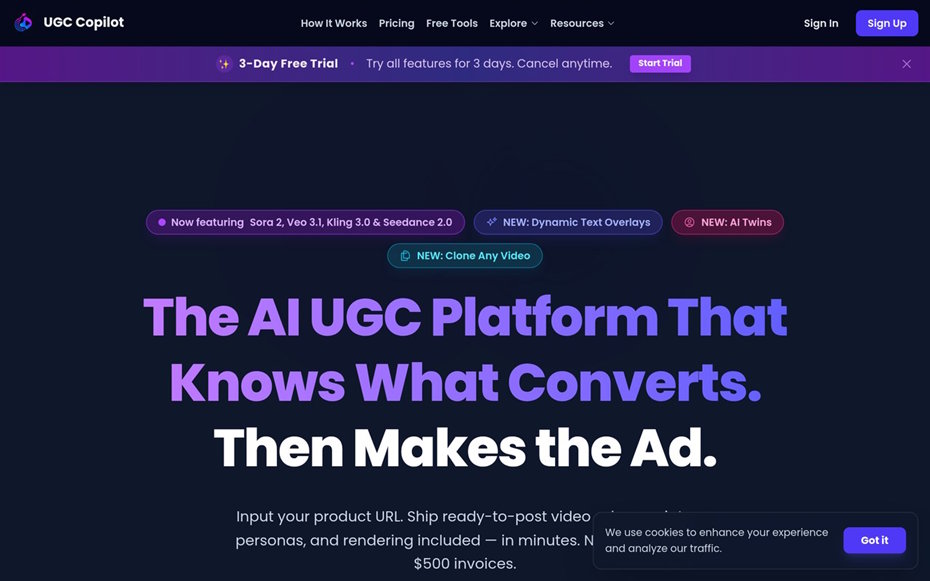
UGC Copilot is built around social media ad creation and can help generate creator-style content quickly.
Pros
- Social-media-focused workflow
- Fast video generation
Cons
- Fewer style options
- Basic editing controls
PixelPanda
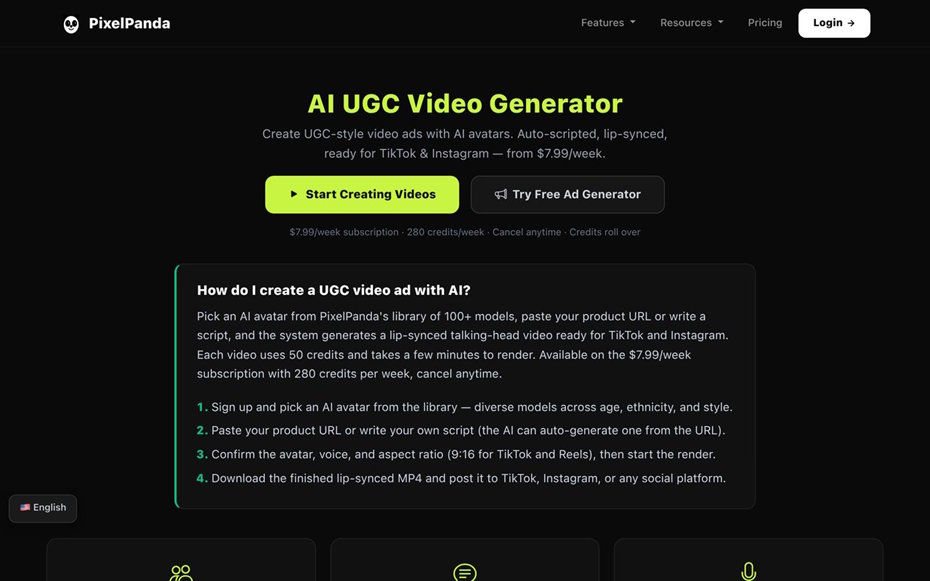
PixelPanda offers colorful AI-generated UGC-style videos for TikTok and other short-form channels.
Pros
- Vibrant output
- AI-assisted creative tools
Cons
- Less flexible outside short-form use cases
- Template selection may feel basic
How to Use insMind for Video Generation?
Here is the same four-step workflow from the original guide, kept in the same order so the existing step images match the process.
Step 1: Start by uploading your product image, product link, or brand visual assets to insMind
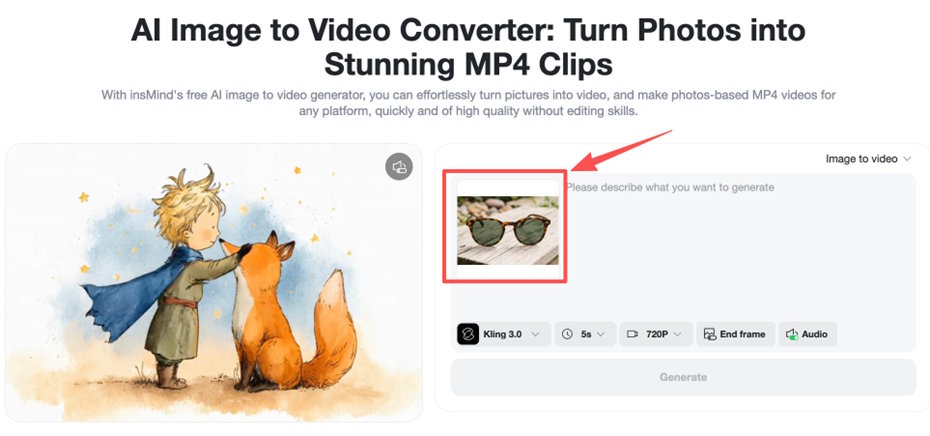
Upload the product image, product link, or brand assets that should guide the video. These inputs help the tool understand what the ad should feature.
Step 2: Next, enter a short UGC ad prompt or script
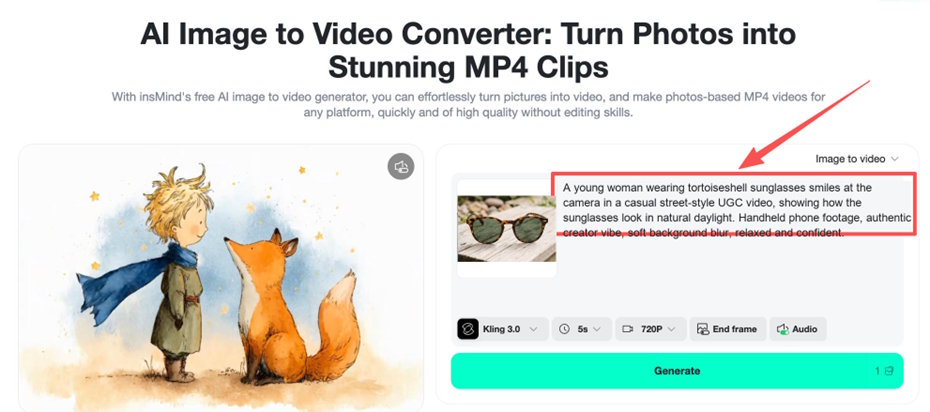
Enter a short UGC prompt or script with a strong hook, the main product benefit, and the audience angle. If you already have a script, a script-to-video AI tool can help turn it into a more complete video concept.
Step 3: Choose a UGC style from options like product review, testimonial, unboxing, or lifestyle demo
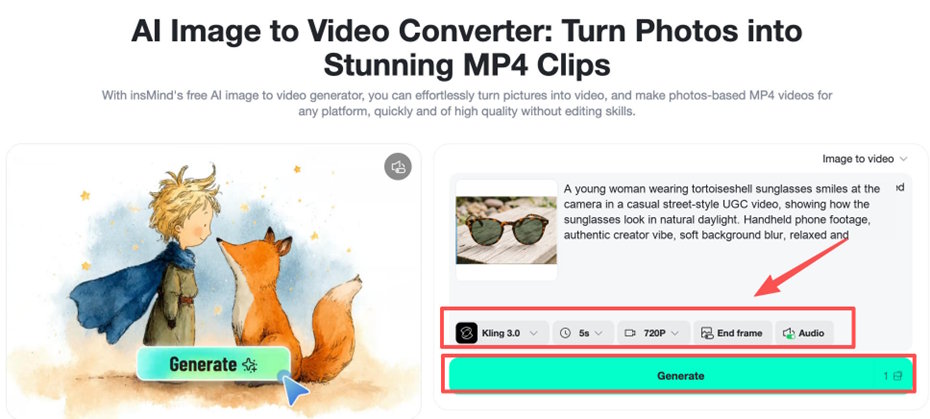
Choose the UGC style that fits the campaign. A review can build trust, an unboxing can create curiosity, and a lifestyle demo can show how the product fits into daily life.
Step 4: Finally, generate multiple UGC video variations

Generate several versions and compare hooks, pacing, creator style, and product clarity. The best TikTok ads often come from testing multiple creative angles.
Frequently Asked Questions
What is an AI UGC video generator?
It is a tool that uses AI to create user-generated-content-style videos from prompts, scripts, product links, or brand assets.
Why use AI for TikTok ads?
AI helps brands produce more creative variations faster, which makes it easier to test hooks, styles, and messages.
Can AI UGC videos still feel authentic?
Yes, but the prompt, script, visual style, and final human review all matter. The best results come from combining AI speed with clear creative direction.
Final Thoughts
The best AI UGC video generator for TikTok ads should help you create authentic-looking content quickly without losing control of the message. insMind is a strong fit for teams that want faster UGC ad production, more creative variations, and a workflow built for short-form performance.

