

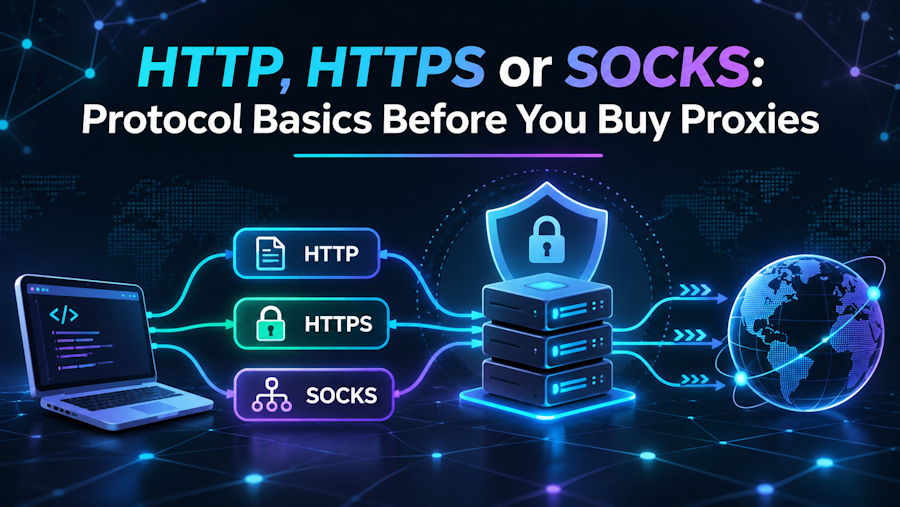
A developer friend once spent a whole afternoon convinced his new proxies were broken. His script timed out on every request, and he was ready to ask for a refund. The proxies were fine. His tool spoke one protocol and the endpoint expected another. A few minutes with the documentation would have saved his afternoon.
Before you buy proxies, it helps to know what the protocol changes and how your software expects to connect. HTTP, HTTPS and SOCKS proxies all forward traffic, but at different levels and with different limits. My rule is simple: pick the protocol by the application that will run through the proxy, never the other way around.
What a proxy protocol decides
The protocol is the language your client uses to talk to the proxy. It decides what traffic the proxy can carry, how much of it the proxy sees and which tools can use it without extra setup. Choose wrong and nothing breaks loudly. Requests just hang, fail with vague errors or skip the proxy.
It is worth separating two ideas that often get mixed up. One is the protocol between your client and the proxy. The other is the protocol between the proxy and the destination site. You can send encrypted HTTPS traffic through a proxy you reach over plain HTTP, and that combination is completely normal.
An HTTP proxy understands web requests. For plain HTTP, it reads the request, can add or strip headers, cache responses and pass everything along. For HTTPS sites, the client asks the proxy to open a tunnel with the CONNECT method, and encrypted traffic flows through unread. Browsers and most web tools support this out of the box.
Strictly speaking, an HTTPS proxy is one you reach over an encrypted channel, so the hop to the proxy is protected too. Some sellers use the term loosely for any proxy that can tunnel secure sites. When a listing says HTTPS, check which meaning it has, because client support for the stricter kind is rarer.
SOCKS works a layer lower. It does not care whether the traffic is web, email, a database connection or a chat client; it simply relays connections between your machine and the destination. The newer version of the protocol adds authentication, UDP traffic and resolving domain names on the proxy side, which keeps those lookups off your own network.
The trade-off is that SOCKS knows nothing about web requests, so it will not cache pages or rewrite headers. Developers often see that as a plus, since what you send is exactly what arrives. If your tool is not a browser, or the traffic is not web traffic, SOCKS is usually the safer default.
Authentication options
Most paid proxies require some form of authentication, so strangers cannot use the addresses you rent. The two usual approaches are a username and password sent with each connection, or an allowlist of your own IP addresses that the proxy accepts without credentials. Some setups support both, and each fits a different way of working.
Username and password authentication travels with the request, so it works from anywhere: a laptop on the move, a cloud function or a teammate's machine. The catch is that every tool must support passing credentials to the proxy, and some older ones do not. Special characters in passwords can also break proxy URLs unless they are encoded.
IP allowlisting skips credentials entirely. You register the public address of your server or office, and the proxy accepts connections from it. That is handy for tools that cannot send a password, and it keeps secrets out of configuration files. It breaks, though, when your own address changes, which happens often on home connections.
Treat proxy credentials like any other secret. Keep them out of code repositories, load them from environment variables or a secrets manager, and change them when someone leaves the team. A leaked proxy login is rarely a disaster, but it can eat your traffic allowance and get your addresses flagged for misuse you never committed.
Checking compatibility with your tools
Start from the software, not the proxy list. A browser, a command-line client, a test framework and a mobile app may each support different protocols and authentication methods. Read the proxy section of each tool's documentation and write down what it accepts, including whether it resolves domain names through the proxy.
Pay attention to the small print in those pages. Some clients pick up proxy settings from environment variables, others only from their own configuration, and a few skip the proxy for certain hosts unless told otherwise. A library may handle SOCKS only through an optional add-on, or accept credentials inside the proxy URL but not in a separate field.
It also helps to look at the whole chain rather than one tool at a time. If a test framework drives a browser that runs inside a container, each layer may need its own proxy setting, and one missing piece sends part of the traffic straight out over your normal connection. I usually sketch the path of a single request before I configure anything and add each layer to that list.
Compare that list with what the seller offers. Before ordering from Geek Proxy or anyone else, check that the supported protocols and authentication methods match every tool you plan to use, including the awkward ones. A proxy that fits all but one of your tools still leaves you writing a workaround.
Testing a connection before scaling up
Before wiring proxies into a large job, test a single connection by hand. Send one request through the proxy to a page that echoes your IP address and headers, and confirm the address matches the location you expected. Then try a secure site, and if you use SOCKS, check that domain lookups happen on the proxy side.
Check the failure cases as well. Switch the proxy off in the middle of a short run and see what your tool does: does it stop with a clear error, retry, or quietly fall back to a direct connection? The last behavior is the one to catch early, because a job that silently skips the proxy looks healthy while sending requests from an address you never meant to use.
Once the basics work, run a short batch at your normal pace and watch error rates, timeouts and response times. Note them as a baseline, then scale up. Most proxy trouble I have debugged came down to a protocol mismatch or a typo in the credentials, and both show up within the first few requests.

