

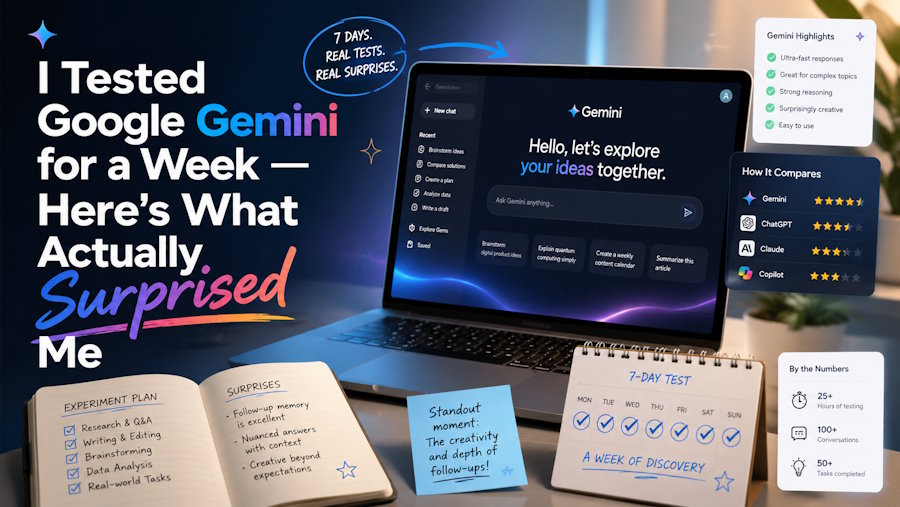
A lot of the coverage around Google Gemini reads like a press release. Either it's going to change everything, or it's hopelessly behind ChatGPT. Neither take is especially useful if you're just trying to figure out whether it's worth adding to your daily workflow.
So here's a more grounded take — what Gemini is actually like to use, where it genuinely earns its keep, and where you'll find yourself reaching for something else.
The Case for Gemini (Beyond the Marketing)
Before getting into the gaps, it's worth being honest about where Gemini is quietly impressive.
It Knows What's Happening Right Now
Most AI assistants are working with training data that cuts off at some point in the past. Gemini doesn't have that problem — at least not in the same way. Because it's plugged into Google Search, it can pull in current information, cite sources, and give you answers that aren't months out of date.
If you're doing research, tracking industry news, or trying to get a quick briefing on something that just happened, that real-time grounding matters. You're not wondering whether the information is stale.
It Lives Inside Google's Ecosystem
If your work day runs through Gmail, Google Docs, Google Sheets, or Google Drive, Gemini doesn't feel like an add-on — it feels like a feature of the tools you already use. You can ask it to summarize an email thread, help you restructure a document, or generate a first draft inside Docs without opening a new tab.
That level of integration is actually rare. Most AI tools sit outside your existing workflow and ask you to copy-paste things back and forth. Gemini, at its best, removes that friction.
Multimodal Input Is Genuinely Useful
Dropping an image into a conversation and asking questions about it sounds like a demo feature. In practice, it's more useful than expected. Upload a screenshot of an error message, a chart you don't understand, or a photo you want to write a caption for — Gemini handles all of it without needing separate tools for each task.
Where Gemini Starts to Show Its Limits
None of this means Gemini is the right tool for everything. It has real gaps.
Creative Output Tends to Feel Safe
Ask Gemini to write something with a strong voice — a punchy product description, a script with personality, a blog post that actually sounds like a person — and the results are often technically fine but a little flat. It hedges. It defaults to a middle-of-the-road tone that avoids anything too bold.
This isn't unique to Gemini. It's a tendency across most large language models. But if you're producing content where voice and style matter, you'll notice it.
The Free Tier Has Real Ceilings
The free version of Gemini is more limited than Google makes it sound. You'll hit message limits, certain features require connecting to Google One, and the more capable model — Gemini Advanced — sits behind a $20/month subscription. That's not unreasonable, but it's worth knowing upfront rather than discovering mid-project.
It's Not Built for Visual Content
This is the biggest gap, and it's worth being direct about. If your work involves creating images or video — not just analyzing them — Gemini isn't the tool for that. It can describe what a video should look like. It cannot make one.
For a lot of people, that's fine. But for creators, marketers, and anyone producing visual content at any kind of scale, that limitation is a real wall.
What to Use Instead (Depending on What You Need)
There's no single alternative that beats Gemini across the board. The better question is: what are you actually trying to do?
For writing and analysis: Claude handles long-form tasks particularly well — detailed research summaries, nuanced editing, careful reasoning. If you've got a complex document to work through or need something written with more thoughtfulness than speed, it's worth trying.
For general-purpose AI with a bigger ecosystem: ChatGPT has more integrations, more plugins, and a larger community building on top of it. If breadth of use cases matters to you, it's still the default for a reason.
For video creation: This is where the conversation shifts entirely.
Seedance AI — Built for the One Thing Gemini Can't Do
If video is part of your work, Seedance AI is worth your attention. It's not a general-purpose assistant trying to do everything. It's a platform built specifically for AI video generation — text to video, image to video, and everything in between.
The difference in approach shows in the output. Where general AI tools treat video as an afterthought (or skip it entirely), Seedance has made it the entire focus. You get smoother motion, more consistent scenes, better handling of lighting across frames, and results that look like something you'd actually use — not a proof of concept.
The target audience is broad: content creators building a social media presence, marketing teams that need video assets without a production budget, developers prototyping video ideas, or anyone who wants to produce something visual without learning a full suite of editing tools.
Getting started doesn't require technical expertise. If you can describe what you want to see in a sentence or two, you can get something back worth working with.
What Seedance 2.0 Changed
The team released Seedance 2.0 as a significant step forward in output quality. The most noticeable improvement is how well scenes hold together across time — what's sometimes called temporal coherence. In earlier AI video tools, you'd often see objects that changed shape between frames, lighting that flickered inconsistently, or motion that looked physically wrong. Seedance 2.0 addresses a lot of that.
The result is video that feels more grounded and real. It's not perfect, and no AI video tool is at this point, but the gap between what Seedance 2.0 produces and what a professional team could produce has gotten noticeably smaller. For practical use cases — short-form content, product demos, social ads — the output quality is high enough to actually ship.
The Honest Take
Gemini is a strong, well-integrated tool that earns its place in your workflow if you're already in Google's world. The real-time search connection is a genuine advantage. The ecosystem integration is thoughtful. And the multimodal input handling is better than it gets credit for.
But it's not a video tool. It's not always the best creative writing tool. And the free version will bump up against its limits faster than you'd hope.
The most useful framing isn't "is Gemini good?" — it's "what do I actually need, and what's the best tool for that specific thing?" For text, research, and workspace tasks, Gemini holds up well. For AI video generation, something like Seedance is in a different category entirely.
Use the right tool for the job. In 2025, that almost always means more than one.

