

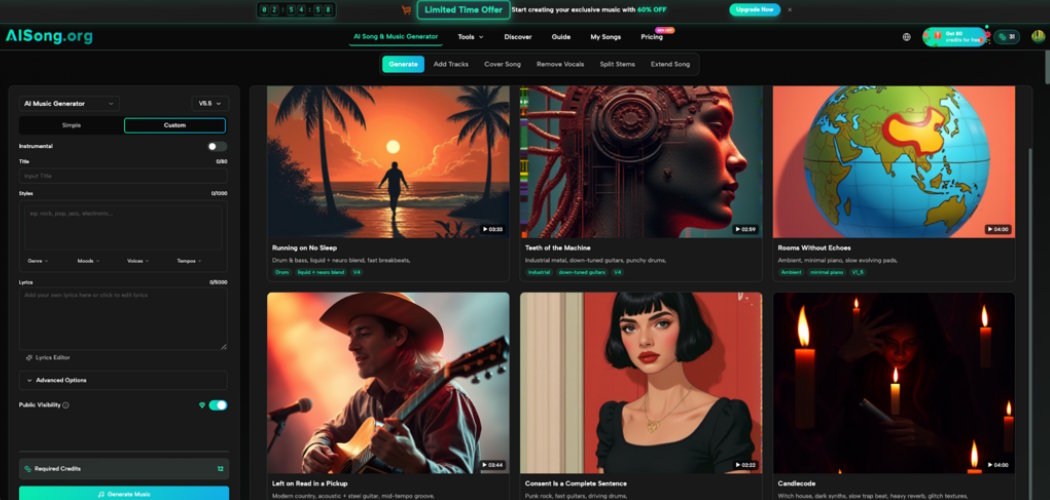
Most developers have hit this wall: you're building a small game, a demo reel, or a portfolio site, and you need a soundtrack that doesn't sound like it came from a royalty-free asset pack everyone else on GitHub is also using. This is where AI-generated audio tools have quietly become relevant to developer workflows, and AI Song is one example of the category worth understanding, even if you're not primarily a musician.
Why This Matters Beyond Music Apps
Developers don't usually think about generative audio unless they're building a music app specifically. But the underlying pattern — describe an outcome in text, get a generated media asset back — is the same pattern behind AI image tools many devs already use for placeholder art or mockups. Understanding how a music generator handles prompts, iteration, and output length is useful even if your next project has nothing to do with audio.
A Practical Scenario: The Solo Game Jam Developer
A solo developer building a small platformer for a weekend game jam needs background music for three levels and a menu screen. Hiring a composer isn't realistic for a 48-hour jam, and free asset packs mean the game sounds like a dozen other jam entries.
How This Developer Might Approach It
- List the emotional tone needed per scene — calm menu, tense level three, victory jingle.
- Write short prompts for each, focused on tempo and instrumentation rather than technical jargon.
- Generate a few options per scene and drop them straight into the build to test against actual gameplay pacing.
- Adjust loop points manually in the game engine, since generated tracks aren't always pre-cut for seamless looping.
This mirrors how developers already treat other generated assets: as raw material that still needs integration work.
Where an AI Music Generator Fits Into a Dev Pipeline
Treating an AI Music Generator as an API-adjacent tool rather than a finished-product button helps set the right expectations. You're not getting a mastered, loop-ready file every time — you're getting a draft that usually needs trimming, looping, or volume balancing before it's game- or app-ready. For developers comfortable scripting around other generative tools, this fits naturally into an existing "generate, review, integrate" habit.
It's also worth noting for indie devs specifically: audio is often the last thing budgeted for, and the last thing polished. Having a fast way to prototype a soundtrack means you can test how music affects pacing and mood earlier in development, instead of bolting it on right before launch.
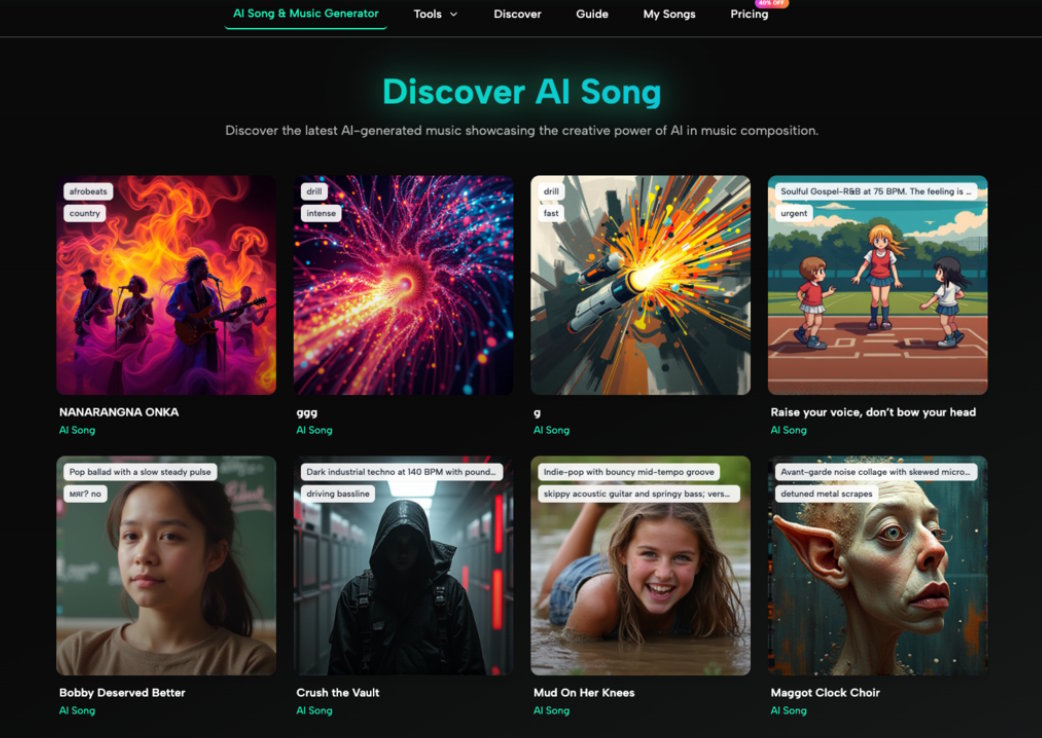
Practical Limitations to Plan Around
- Generated tracks may not loop cleanly out of the box; budget time for manual loop-point editing.
- File format and length limits vary by platform, so check compatibility with your game engine or app before committing to a workflow.
- Commercial and redistribution terms differ across platforms — read them before shipping a paid product with generated audio.
- Don't expect adaptive, interactive music systems from a text-to-music generator; it produces linear tracks, not a dynamic audio engine.
Conclusion
Generative audio tools aren't going to replace a sound designer on a serious production, but for solo developers and small teams prototyping under real deadlines, they fill a genuine gap. If you're already comfortable treating AI image or code generation as a first draft you refine, applying that same mindset to music is a natural next step. Try generating one throwaway track for your next side project just to see how it fits into your existing build process.

