



Software development in 2026 moves fast. Teams work across formats, frameworks, and file types every single day. A good online converter saves time and cuts down errors. This guide covers the ten online converter tools that belong in every developer's toolkit this year.
Why Developers Need Online Converters in 2026
Modern projects pull data from many sources. APIs return JSON. Spreadsheets need CSV. Designers hand over CSS that must fit a Tailwind project. Every format shift costs time when done by hand.
Online converter tools fix this problem. They turn manual work into a quick task. Developers paste data, click convert, and move on. This keeps focus on real problems instead of format cleanup.
The tools below cover the most common conversion needs for coders, testers, and data teams in 2026.
JPG to WebP Converter
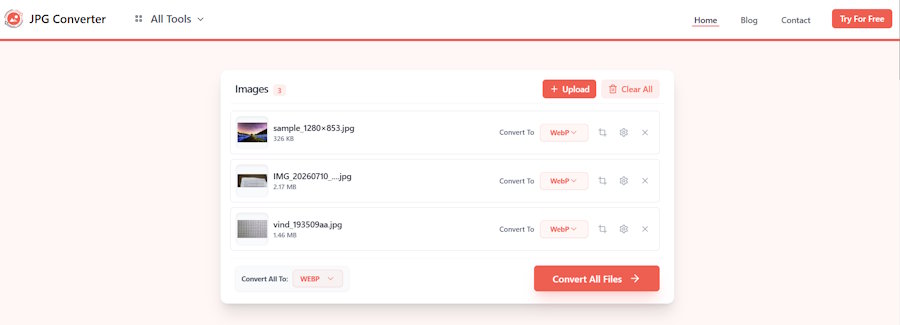
Page speed is a ranking factor and a user experience factor at the same time. Large JPG files slow down load times, especially on mobile networks.
A JPG to WebP converter shrinks image file size while keeping visual quality close to the original. WebP files are often 25 to 35 percent smaller than JPG files at a similar quality level. This makes the format a strong choice for web projects that need fast load times.
Front end developers use this tool before pushing images to production. It fits well into build pipelines too, where bulk image conversion saves manual work across large sites with many photos, banners, and product images.
JSON to CSV Converter
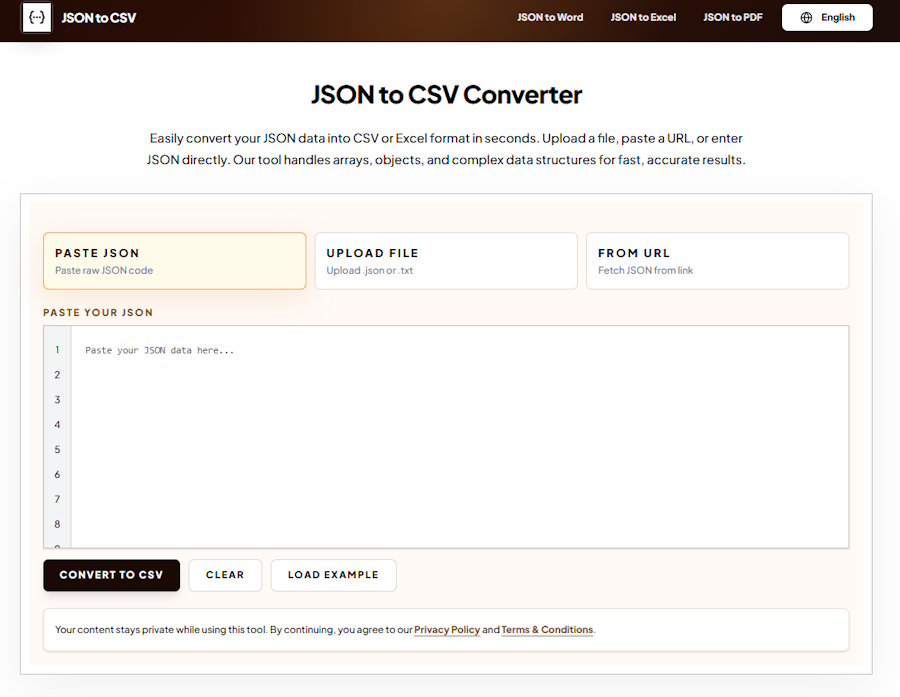
JSON is the standard format for API responses. CSV is still the format most business teams prefer for spreadsheets and reports.
A JSON to CSV converter bridges this gap. Developers can take a nested JSON file, flatten it, and export clean rows and columns in seconds. This helps when a product manager asks for data in Excel, or when a QA team needs to review API output in a simple table.
Good JSON to CSV converters handle nested objects and arrays without breaking the structure. This matters most for e commerce data, user records, and analytics exports.
CSS to Tailwind Converter
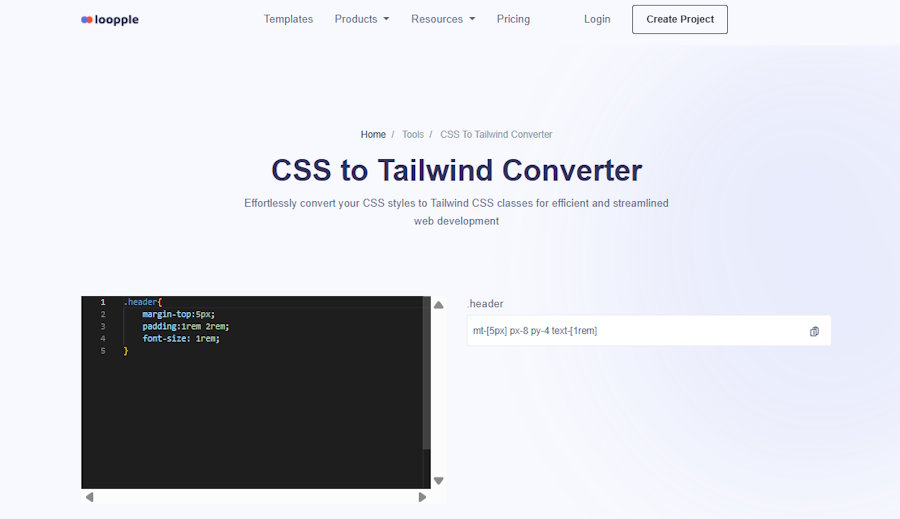
Tailwind CSS has become a top choice for front end teams. Many projects still start with plain CSS files though, especially older codebases or designs handed off by another team.
A CSS to Tailwind converter reads standard CSS rules and turns them into Tailwind utility classes. This saves hours of manual rewrite work. Developers paste a CSS block, get matching Tailwind classes, and apply them directly to their markup.
This tool also helps teams standardize old projects on Tailwind without a full rebuild. It keeps styling consistent across a codebase during a framework switch.
URL Encoder and Decoder
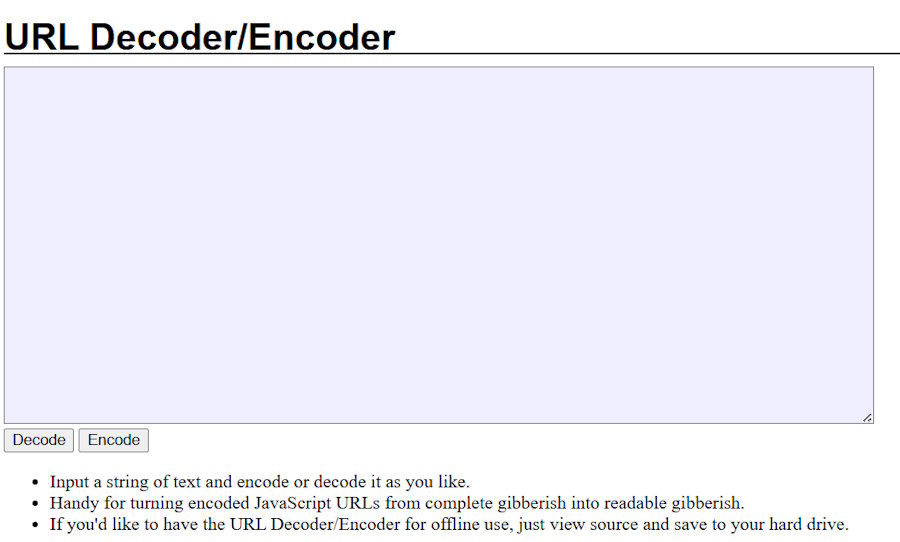
URLs often break when they contain spaces, special characters, or non English text. A URL encoder and decoder fixes this by converting unsafe characters into a format browsers and servers accept.
Developers use this tool when building query strings, testing API endpoints, or debugging redirect issues. It also helps when a URL passed between systems shows garbled characters. Decoding the string reveals the original value and speeds up troubleshooting.
This converter is small but used often. Almost every web project needs it at some point during testing or integration work.
Base64 Encoder and Decoder
Base64 encoding turns binary data into plain text. This format shows up in email attachments, image embeds, and API tokens.
A Base64 encoder and decoder lets developers convert files or strings back and forth without writing custom scripts. This helps when embedding a small image directly into CSS or HTML, or when reading an encoded authorization token during API testing.
Security teams also use this tool to inspect payloads and confirm what data a token or cookie actually holds.
YAML to JSON Converter
Configuration files often use YAML because it reads well and stays clean. Many tools and APIs still expect JSON though.
A YAML to JSON converter bridges configuration files with application code. DevOps teams use this when working with Kubernetes manifests, CI pipelines, or Docker Compose files that need to connect with a JSON based tool or script.
This converter also helps catch formatting errors early, since bad indentation in YAML often causes silent failures.
Photo to Text Converter
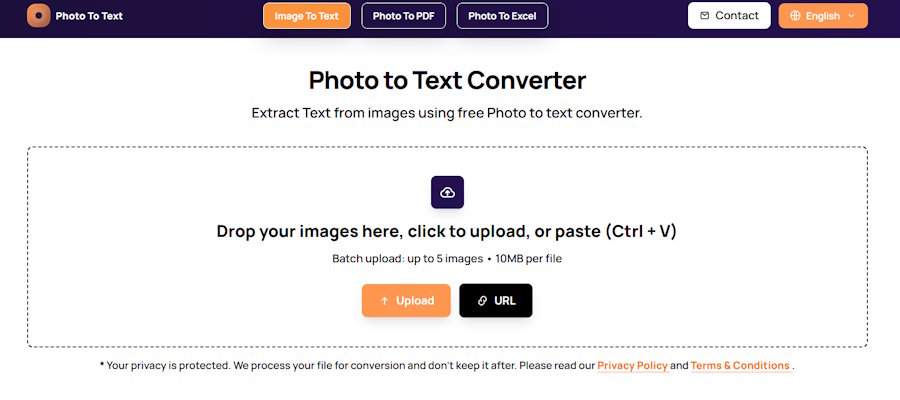
Screenshots, scanned PDFs, and photos often hold text that a project needs. An Photo to text converter reads text from an image and turns it into an editable format.
This tool uses optical character recognition to pull letters and numbers from a picture. Developers use it to grab error messages from screenshots, extract text from old documentation, or pull code snippets from a photo sent by a client.
An image to text converter also helps QA teams log bugs faster. Instead of retyping an error from a screenshot, they paste the image and get text output right away.
Markdown to HTML Converter
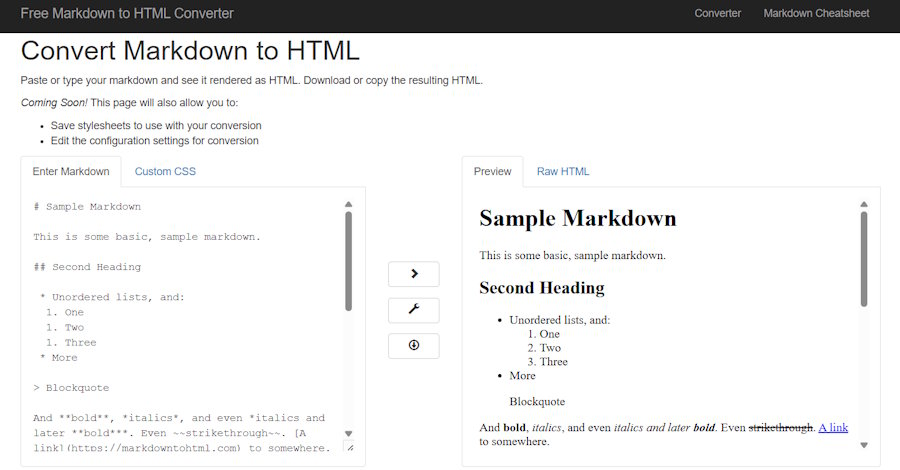
Documentation, blog drafts, and README files are usually written in Markdown. Websites and content management systems need HTML to display that content correctly.
A Markdown to HTML converter turns simple text formatting into ready to use HTML markup. Developers use this to publish docs, build static sites, or preview how a README will look once rendered on a platform like GitHub or a company wiki.
This tool also helps writers and developers work together, since both can edit the same Markdown file before it becomes a web page.
Timestamp to Date Converter
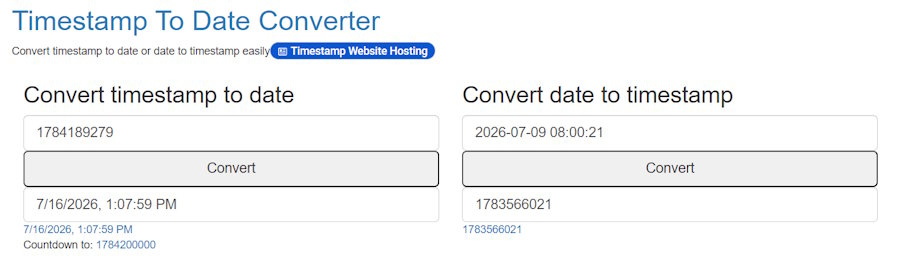
Unix timestamps are common in logs, databases, and APIs. Reading a raw number like 1752624000 does not tell a developer much on its own.
A timestamp to date converter turns that number into a readable date and time. This speeds up log review, bug tracking, and database queries. Developers can also convert a normal date back into a timestamp when writing test data or debugging time based logic.
Time zone support matters here. A strong converter shows the same timestamp across multiple zones, which helps teams working across regions.
Color Code Converter

Design handoffs often include colors in one format, while code needs another. A color code converter switches between HEX, RGB, HSL, and other formats in a single step.
Front end developers use this daily when matching a design file to CSS values. It removes guesswork and keeps colors consistent across a project. Some converters also show contrast ratios, which helps teams meet accessibility standards.
Regex Tester and Converter
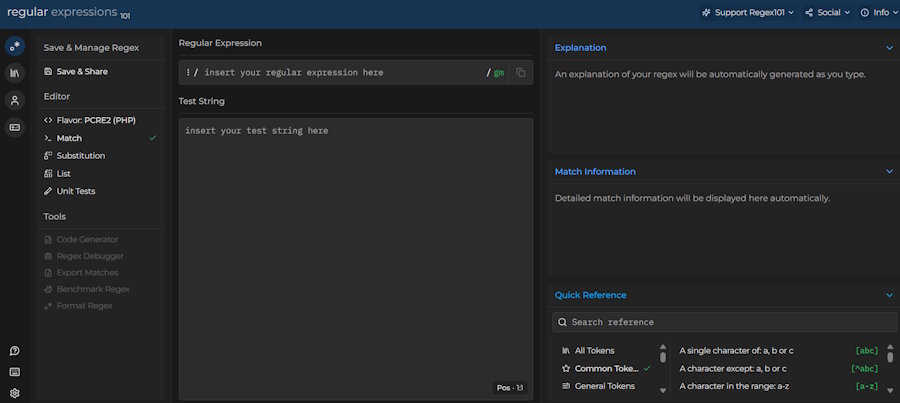
Regular expressions are powerful but hard to read at a glance. A regex tester and converter lets developers write a pattern, test it against sample text, and see matches in real time.
This tool cuts down trial and error during form validation, search features, and data cleanup tasks. Many versions also explain each part of the pattern in plain language, which helps newer developers learn faster.
How to Choose the Right Converter Tool
Not every converter offers the same quality. A few factors separate a solid tool from a weak one.
Accuracy matters most. A converter that breaks nested data or drops characters creates more work than it saves.
Speed counts too. Developers need fast results, especially during testing or live debugging.
Privacy deserves attention. Sensitive data should never sit on a server longer than needed. Tools that process data in the browser, without upload to a remote server, offer stronger protection.
Simple design helps. A converter with a clean layout and clear output saves time compared to one buried in ads or extra steps.
Teams that pick tools based on these points build a faster, more reliable workflow across every project.
Final Thoughts on Developer Converter Tools
Format conversion is a small task, but it happens constantly across every software project. The right set of converter tools removes friction from daily development work.
JSON to CSV, image to text, CSS to Tailwind, and URL encoding tools solve some of the most common problems developers face in 2026. Paired with Base64, YAML, Markdown, timestamp, color, and regex converters, a developer has everything needed to move between formats without slowing down.
Bookmark a few reliable converters, keep them close during daily work, and format issues will stop costing valuable development time.

