

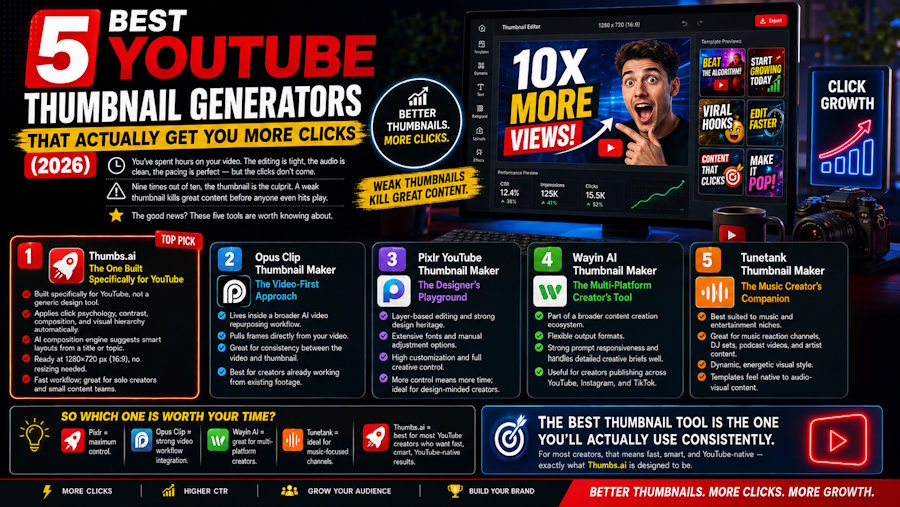
You've spent hours on your video. The editing is tight, the audio is clean, the pacing is perfect. Then you upload it — and the clicks just don't come.
Nine times out of ten, the thumbnail is the culprit. A weak thumbnail kills great content before anyone even hits play. The good news? There are some seriously capable YouTube Thumbnail Generator tools out there right now. Here are five worth knowing about.
1. Thumbs.ai — The One Built Specifically for YouTube
What It Is
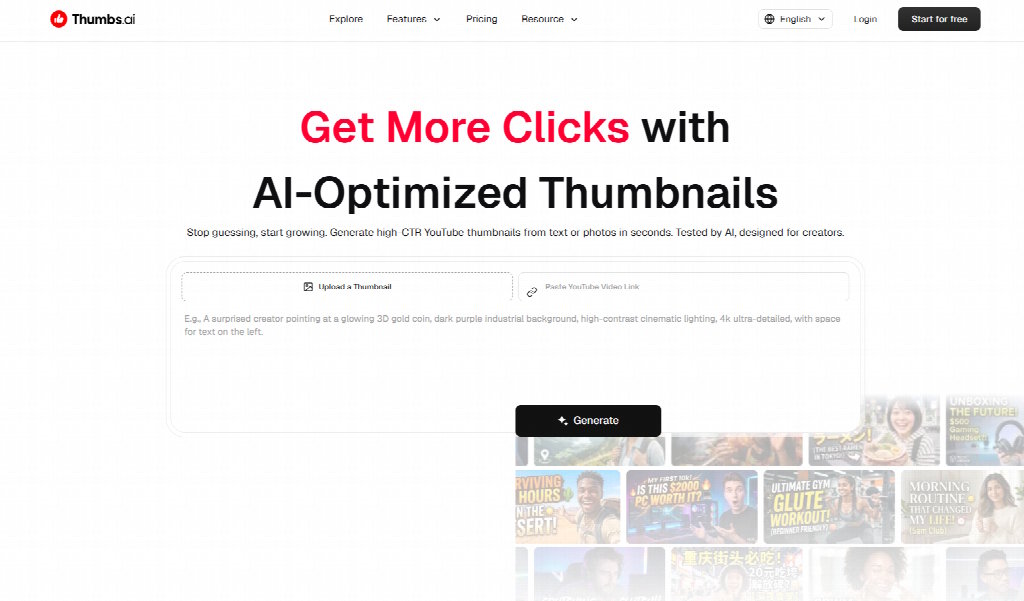
Most design tools treat YouTube thumbnails as an afterthought. Thumbs.ai was built from the ground up with one goal: helping creators make thumbnails that perform. That focus shows in everything from the interface to the output quality.
This isn't a generic design platform with a YouTube template bolted on. It's a purpose-built YouTube Thumbnail Generator that understands the platform's visual language — contrast, composition, click psychology — and applies that knowledge automatically.
What It Does Well
The AI composition engine is the standout feature. Feed it your video title or topic, and it generates layout options that follow proven visual hierarchy principles — subject placement, contrast ratios, text-safe zones. The outputs come ready at 1280×720px (16:9), no resizing needed.
For creators who want speed without sacrificing quality, the workflow is genuinely fast. You're not starting from a blank canvas. You're starting from a smart foundation and refining from there. Solo YouTubers and small content teams will find this particularly valuable — less time on design, more time on content.
2. Opus Clip Thumbnail Maker — The Video-First Approach
What It Is
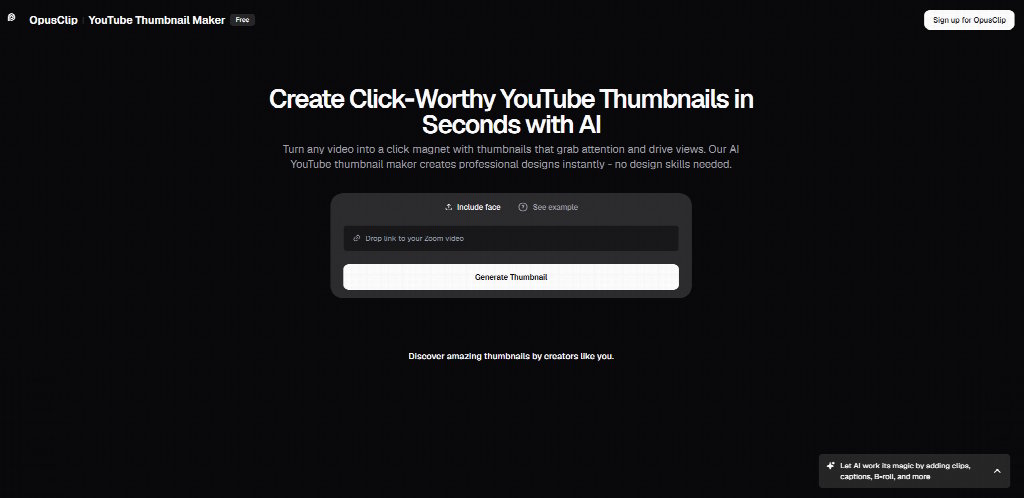
Opus Clip's thumbnail tool lives inside a broader AI video repurposing platform. If you're already using Opus Clip to cut long-form content into shorts, the thumbnail maker is a natural extension of that workflow.
What It Does Well
The tool can pull frames directly from your video and build thumbnail concepts around them. For creators who want visual consistency between their video content and their thumbnail, this is a useful capability. It's less about generating from scratch and more about surfacing the best visual moments from footage you've already created.
3. Pixlr YouTube Thumbnail Maker — The Designer's Playground
What It Is
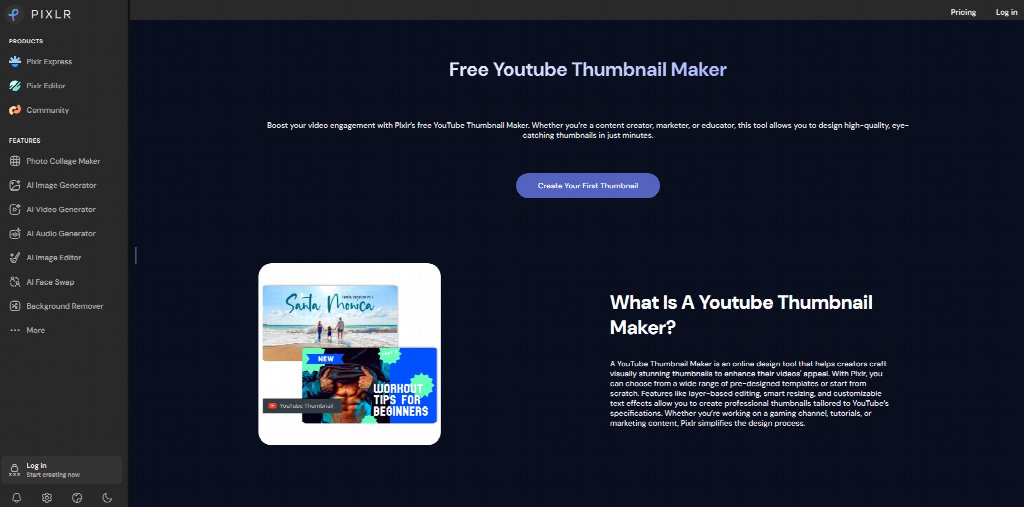
Pixlr is a long-standing name in browser-based photo editing. Its thumbnail maker brings that design heritage into the YouTube space, offering a more hands-on creative experience than fully automated tools.
What It Does Well
Layer-based editing, extensive font libraries, and a wide range of manual adjustment options make Pixlr a strong choice for creators who have design instincts and want to act on them. The template library is broad. The customization ceiling is high. If you know what you want and want full control over getting there, Pixlr delivers that.
The trade-off is speed. More control means more decisions, which means more time. For creators who treat thumbnail design as a creative outlet rather than a production bottleneck, that's a feature, not a bug.
4. Wayin AI Thumbnail Maker — The Multi-Platform Creator's Tool
What It Is
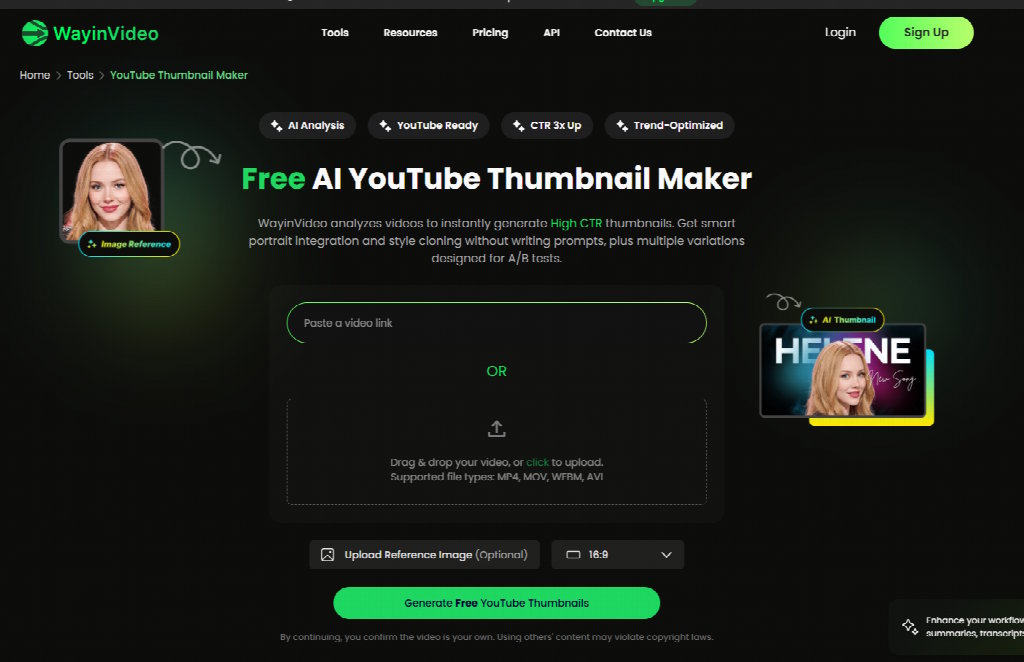
Wayin AI approaches thumbnails as part of a larger content creation ecosystem. The thumbnail maker is one component of a broader suite designed for creators who publish across multiple platforms simultaneously.
What It Does Well
Flexible output formats and strong prompt responsiveness are the highlights here. Wayin AI handles detailed creative briefs well — specify your aesthetic, color palette, and composition preferences, and the output reflects that specificity. For creators maintaining a consistent visual brand across YouTube, Instagram, and TikTok, the multi-format capability is genuinely practical.
5. Tunetank Thumbnail Maker — The Music Creator's Companion
What It Is
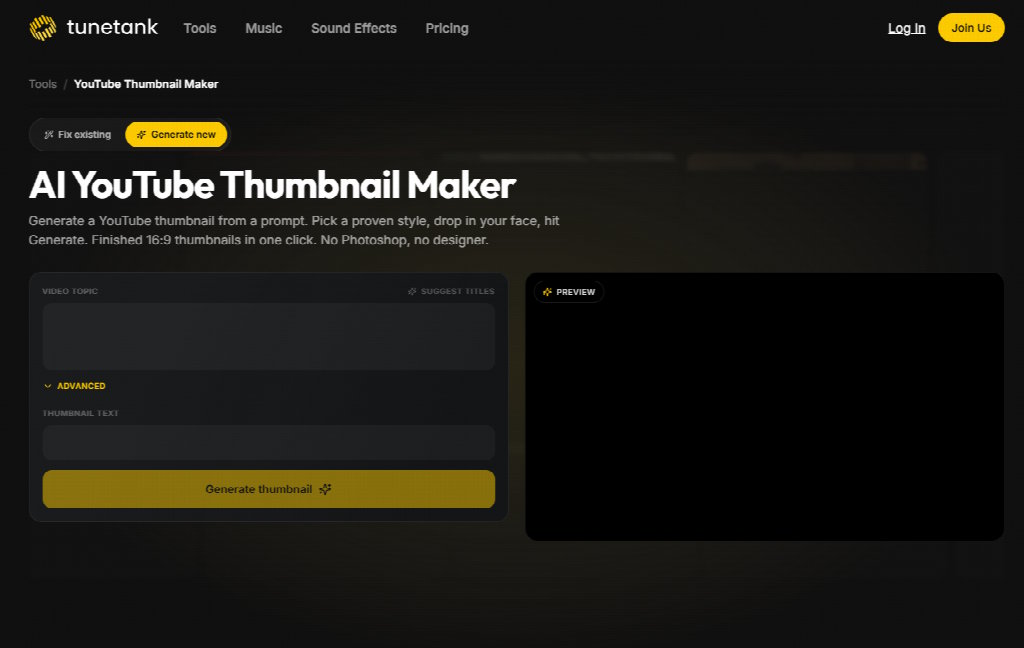
Tunetank is primarily known as a royalty-free music platform. Its thumbnail maker is designed with music-focused creators in mind — think music reaction channels, DJ sets, podcast video uploads, and artist content.
What It Does Well
The aesthetic sensibility leans toward audio-visual content — dynamic, energetic designs that suit music and entertainment niches. If your channel lives in that space, the templates and style options feel more native than what you'd find on a general-purpose design platform.
So Which One Is Actually Worth Your Time?
Every tool on this list solves the thumbnail problem in a slightly different way. Pixlr gives you maximum creative control. Opus Clip integrates tightly with video workflows. Wayin AI serves multi-platform creators. Tunetank speaks to music-focused channels.
But if you're a YouTube creator who wants a YouTube Thumbnail Generator that was built specifically for the platform — one that applies click-psychology and composition logic automatically, outputs at the right specs, and gets you from idea to finished thumbnail faster than anything else on this list — Thumbs.ai is the one that earns a permanent spot in your workflow.
The best thumbnail tool is the one you'll actually use consistently. For most creators, that means fast, smart, and YouTube-native. That's exactly what Thumbs.ai is designed to be.

