

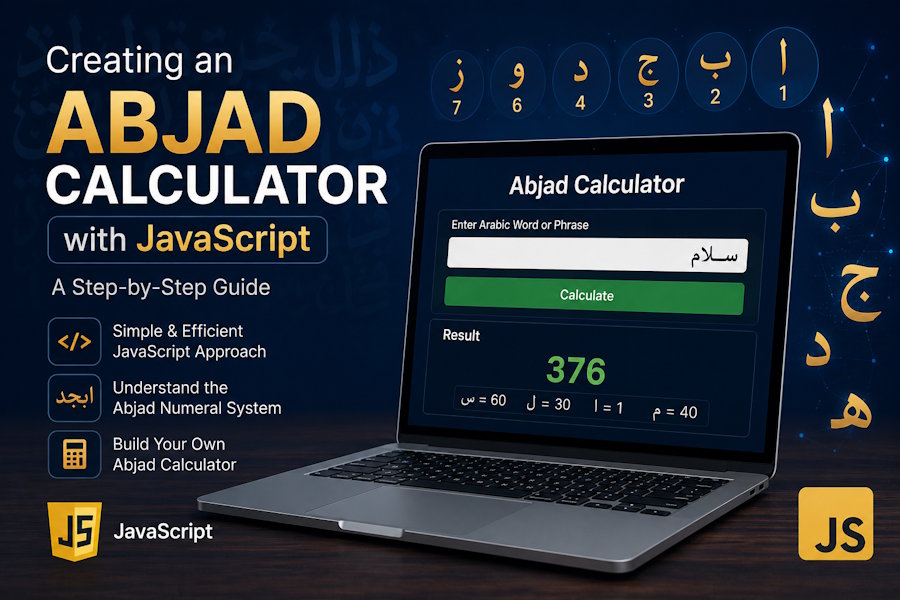
JavaScript continues to power millions of interactive web applications, from calculators and dashboards to complex web platforms. One interesting project that combines programming with Arabic linguistics is an Abjad Calculator. This tool calculates the numerical value of Arabic words and phrases based on the traditional Abjad numeral system, where every Arabic letter corresponds to a specific number.
An online Abjad calculator is useful for students, researchers, developers, educators, and anyone interested in Arabic language studies. Since JavaScript runs directly in the browser, it enables fast, real-time calculations without requiring server-side processing.
This guide explains how an Abjad calculator works, the components required to build one, and the best practices for creating a responsive and user-friendly application.
Understanding the Abjad Numeral System
The Abjad numeral system is a traditional method of assigning numerical values to the Arabic alphabet. Rather than using separate numeric symbols, each letter has a predefined value.
For example:
- Alif (ا) = 1
- Ba (ب) = 2
- Jeem (ج) = 3
- Dal (د) = 4
- Ha (ه) = 5
- Waw (و) = 6
- Zay (ز) = 7
- Haa (ح) = 8
- Taa (ط) = 9
- Ya (ي) = 10
The values continue through the remaining letters until the highest values are reached. The numerical value of a word is calculated by adding together the values of all its letters.
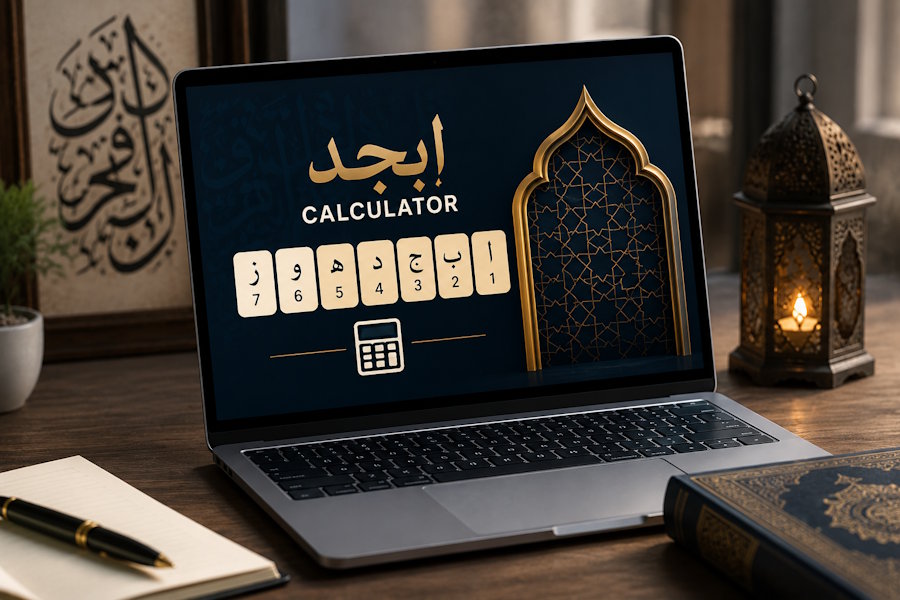
Why Use JavaScript?
JavaScript is an ideal language for browser-based calculators because it offers:
- Instant calculations
- Cross-browser compatibility
- Responsive user interaction
- Easy integration with HTML and CSS
- No server dependency for basic calculations
- Lightweight performance
These advantages make JavaScript suitable for educational tools that users can access from any modern device.
Planning Your Calculator
Before writing code, decide what features your calculator should include.
A simple version generally contains:
- Text input
- Calculate button
- Result section
- Letter-value mapping
- Input validation
Advanced versions may also include calculation history, copy-to-clipboard functionality, dark mode, multilingual support, and responsive layouts.
Building the Interface
Start with a clean HTML layout. Include a heading, a text area for Arabic input, a button to trigger the calculation, and an output section that displays the result.
Keep the interface uncluttered so users can focus on entering text and viewing results. A responsive design ensures the calculator works well on desktops, tablets, and smartphones.
Mapping Arabic Letters
The core of an Abjad calculator is the mapping between Arabic letters and their numerical values. In JavaScript, this is commonly stored in an object where each key is an Arabic letter and each value is its corresponding Abjad number.
When a user enters text, the calculator checks each character against this mapping and retrieves its assigned value.
Processing User Input
Once the input is received, clean it before calculation. Remove unnecessary spaces, ignore punctuation, and skip unsupported symbols. This helps prevent inaccurate totals and improves the overall user experience.
For each valid Arabic character, retrieve its value and add it to a running total. When all characters have been processed, display the final result immediately.
Improving Accuracy
Accuracy is essential for educational tools. Consider normalizing Arabic text before processing to handle different Unicode forms of the same letter. Also decide how your application should treat diacritics, punctuation, numbers, and whitespace.
Testing with different words and phrases helps ensure the calculator produces consistent results.
Enhancing User Experience
A polished interface can significantly improve usability.
Useful enhancements include:
- Live calculations while typing
- Clear error messages
- Copy result button
- Mobile-friendly design
- Accessible typography
- Dark mode
- Smooth animations
- Keyboard shortcuts
These features make the calculator more convenient without adding unnecessary complexity.
Performance Best Practices
Although an Abjad calculator is lightweight, following good development practices improves maintainability.
Recommendations include:
- Keep calculations inside reusable functions.
- Avoid unnecessary DOM updates.
- Use descriptive variable names.
- Store mappings in one place.
- Validate input before calculation.
- Separate HTML, CSS, and JavaScript into different files for cleaner organization.
These practices make future updates much easier.
Practical Applications
An Abjad calculator has several practical uses beyond simple demonstrations.
It can help:
- Students learning Arabic.
- Teachers explaining the Abjad system.
- Researchers studying historical manuscripts.
- Developers creating Islamic educational platforms.
- Linguists exploring word structures.
- Writers and enthusiasts interested in traditional numerical symbolism.
Because the calculations happen in the browser, users receive instant feedback without waiting for a server response.
Common Challenges and How to Overcome Them
While developing an Abjad calculator with JavaScript is relatively straightforward, developers may encounter a few common challenges during implementation.
Handling Different Arabic Character Variations
Some Arabic letters have multiple Unicode representations depending on the source of the text. Normalizing the input before processing helps ensure that equivalent characters are treated consistently, resulting in more accurate calculations.
Ignoring Unsupported Characters
Users may enter numbers, punctuation marks, emojis, or Latin characters along with Arabic text. The calculator should either ignore these characters or notify the user that only supported Arabic letters are considered during the calculation.
Maintaining Performance
Although the calculations are lightweight, writing clean and modular JavaScript improves readability and maintainability. Keeping the letter mapping in a single object and separating the calculation logic into reusable functions makes future updates much easier.
Creating a Responsive Interface
Many users access educational tools from smartphones and tablets. Designing a responsive interface with readable typography, properly sized buttons, and flexible layouts ensures the calculator performs well across different screen sizes.
Testing and Validation
Before publishing the calculator, test it with a variety of Arabic words and phrases to verify that every letter is assigned the correct numerical value. Regular testing helps identify inconsistencies and improves the reliability of the application.
By addressing these considerations during development, you can create an Abjad calculator that is accurate, user-friendly, and easy to maintain over time.
Conclusion
Creating an Abjad Calculator with JavaScript is an engaging project that combines modern web development with a traditional numerical system. By mapping Arabic letters to their corresponding values, processing user input efficiently, and presenting results instantly, developers can build a lightweight yet powerful educational tool.
Whether you are developing the calculator for personal learning, academic research, or a public-facing website, focusing on usability, performance, and accessibility will result in a better experience for every visitor. With JavaScript's flexibility and speed, building an interactive Abjad calculator is both practical and rewarding.
Get the complete Abjad Calculator Source Code
You can also explore the complete version of this Abjad calculator, including additional features, optimizations, and production-ready code, completely free on GitHub. Whether you want to use it in your own project, learn from the implementation, or contribute improvements, feel free to download the source code from our official repository: Abjadify Free Abjad Calculator on GitHub.
Frequently Asked Questions
1. What is an Abjad calculator?
An Abjad calculator computes the numerical value of Arabic words by assigning each letter its traditional Abjad value and summing the results.
2. Why is JavaScript suitable for this project?
JavaScript performs calculations instantly in the browser, making the application fast and responsive.
3. Does an Abjad calculator require a server?
No. Basic calculations can be completed entirely on the client side.
4. Can the calculator ignore spaces and punctuation?
Yes. Most implementations skip spaces, punctuation, and unsupported characters.
5. Is the calculator mobile friendly?
It can be made fully responsive using modern HTML and CSS techniques.
6. Can I integrate an Abjad calculator into my website?
Yes. It can be embedded into educational platforms, blogs, or language-learning websites.
7. How can I improve the calculator further?
Add features such as real-time calculation, history, exports, offline support, multilingual interfaces, and enhanced accessibility.

