

Adding image generation to a web application can look deceptively simple. A user enters a prompt, the backend sends a request, and an image appears. The difficulty starts when the feature has to behave consistently outside a demo. Prompts may be incomplete, reference files may be unsuitable, outputs may not fit the intended layout, and repeated generations can become hard to compare. A useful implementation therefore needs more than a request button. It needs a workflow that separates input preparation, generation, review, and revision.
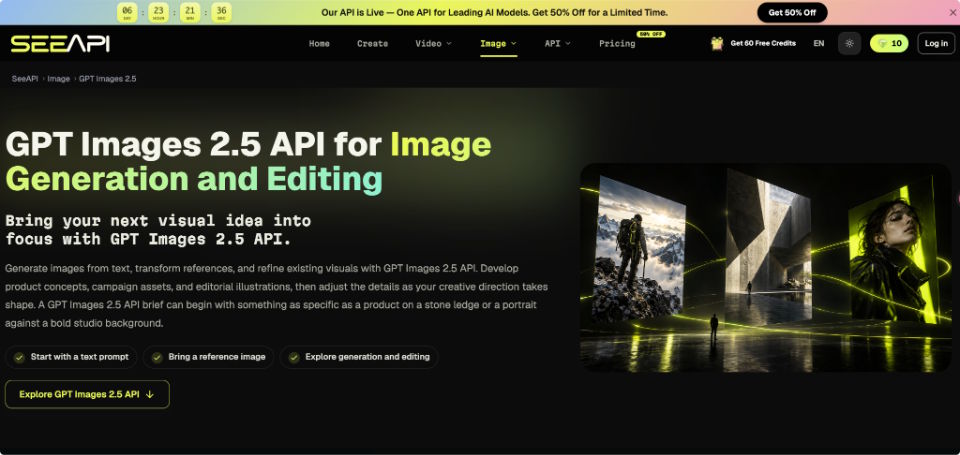
Many integrations focus first on connecting an endpoint and only later discover that most quality problems come from weak request design or missing validation. A better approach is to define what the application expects before generation begins, then make each result easy to inspect against those expectations. When a project needs to test text-driven generation or reference-based editing without building the model layer itself, Image 2.5 API can be explored as one possible generation step. The important engineering work remains the surrounding logic: deciding what goes in, what counts as acceptable output, and when the system should ask for another attempt.
Define the Output Before Sending Requests
The first request should be based on an output specification rather than a free-form prompt alone. Start with the job the image must perform. A blog header, product mockup, square thumbnail, onboarding illustration, and interface background have different constraints even when they describe the same subject.
Store those constraints separately from the descriptive prompt. Useful fields include target aspect ratio, required subject, placement needs, elements that must remain visible, and elements that must not appear. For example, a hero image may require the subject on the right and usable negative space on the left. If that layout requirement exists only in a designer's head, the generator cannot reliably preserve it.
A simple pass condition helps prevent subjective review from taking over. Before generation, write down three questions: Is the main subject correct? Does the composition fit the destination? Are any required details missing or distorted? If the result fails one of these checks, revise the relevant input instead of rewriting everything.
Structure Inputs as a Repeatable Request
A reliable image feature benefits from treating the request as structured application state. The user may still type natural language, but the system should separate the pieces that influence different parts of the output.
- Capture the Intended Subject
Extract the main subject and its essential attributes first. “A ceramic coffee mug” is not enough if the application must preserve a blue handle, matte finish, and front-facing logo area. Record only details that matter to acceptance. Overloading the request with decorative adjectives makes later diagnosis harder because you cannot tell which instruction caused a failure. - Add Composition Constraints
Next, describe relationships rather than isolated objects. Specify where the subject sits, how tightly it is framed, what the background should do, and where empty space is required. “Laptop on a desk” leaves many arrangements possible. “Laptop centred on a clean desk, eye-level view, empty space above the screen” gives the model a layout that can be checked afterward. - Separate Changes From Preserved Details
Reference-based editing needs two lists: what may change and what must stay. If the task is to replace a product background, the application should preserve product shape, colour, label placement, and camera angle while allowing the environment and lighting to change. Mixing both groups into one paragraph makes revisions less controlled. - Save the Request With the Result
Store the prompt, reference identifier, generation settings, and output together. This does not require a complex database design. Even a small project benefits from a generation record containing a request ID, inputs, timestamp, status, and resulting asset location. Without that record, two similar outputs become difficult to reproduce or compare after a few iterations.
Validate Generated Images With Specific Checks
Generation success only means that an image was returned. It does not mean the asset is ready for use. Validation should happen at two levels: file-level checks and content-level checks.
At the file level, confirm that the response can be decoded, the dimensions are usable, and the aspect ratio matches the destination closely enough. A visually good result can still fail if a banner slot requires a wide crop and the subject occupies the centre of a nearly square image. If the application later compresses or resizes the file, test that transformation too rather than reviewing only the original.
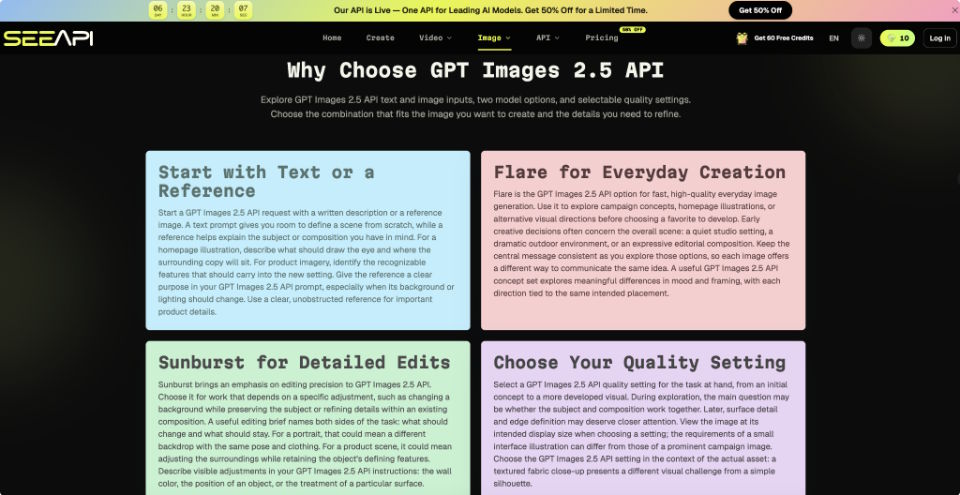
Content review should compare the image with the request fields you already stored. Check subject identity, composition, preserved details, and obvious unwanted additions. When testing a reference-driven edit, ChatGPT Image 2.5 can be used with a source image plus a focused instruction describing the intended change and the details to retain. After generation, compare the result against the original specifically for those preserved features before deciding whether to continue. If the subject changed when only the background should have changed, the correct response is not “try again” blindly; narrow the edit instruction or choose a better reference.
A small test set is more useful than one showcase prompt. Use several representative requests from the actual application: a simple object, a busy scene, a reference edit, and a layout-sensitive asset. Record which checks fail. Repeated failure in the same category usually points to an input-design problem rather than random bad luck.
Handle Iteration Without Losing Good Decisions
The revision loop should preserve what already works. If the subject is correct but the framing is wrong, change the framing instruction. If the composition works but the background is distracting, edit the environment rather than regenerating the entire concept. Making one meaningful change at a time gives the team a clearer cause-and-effect trail.
This also suggests a better interface design. Instead of offering only “Generate Again,” let users choose a revision reason such as composition, background, subject detail, or style. That selection can update only the relevant part of the stored request. It also creates useful internal data about where the workflow tends to fail without requiring subjective quality scores.
Keep a preferred version instead of assuming the latest output is the best one. Each new result should be treated as a branch from a known state. A user may discover that version three had the right composition even though version five has better lighting. Saving intermediate candidates makes it possible to return to the stronger base and continue from there.
Build Around Evaluation, Not One-Pass Generation
A dependable image feature is easier to maintain when generation is only one stage of the system. Define the destination first, convert that need into structured inputs, send a focused request, then evaluate the returned asset against explicit checks. When something fails, revise the field responsible for that failure instead of replacing the entire prompt. This keeps the workflow understandable for developers and predictable for users.
The same approach scales beyond a single model or interface. If the application later changes providers, adds new editing modes, or supports more asset types, the surrounding logic still applies because it describes the job rather than one vendor. A workflow built around GPT Image 2.5 can therefore fit into the same structure without changing the underlying review logic. Good image generation workflows preserve decisions, expose failure reasons, and make revision deliberate. Once those habits are built into the application, output quality becomes easier to test because every image can be judged against a known purpose rather than against a vague impression of whether it looks good.

