

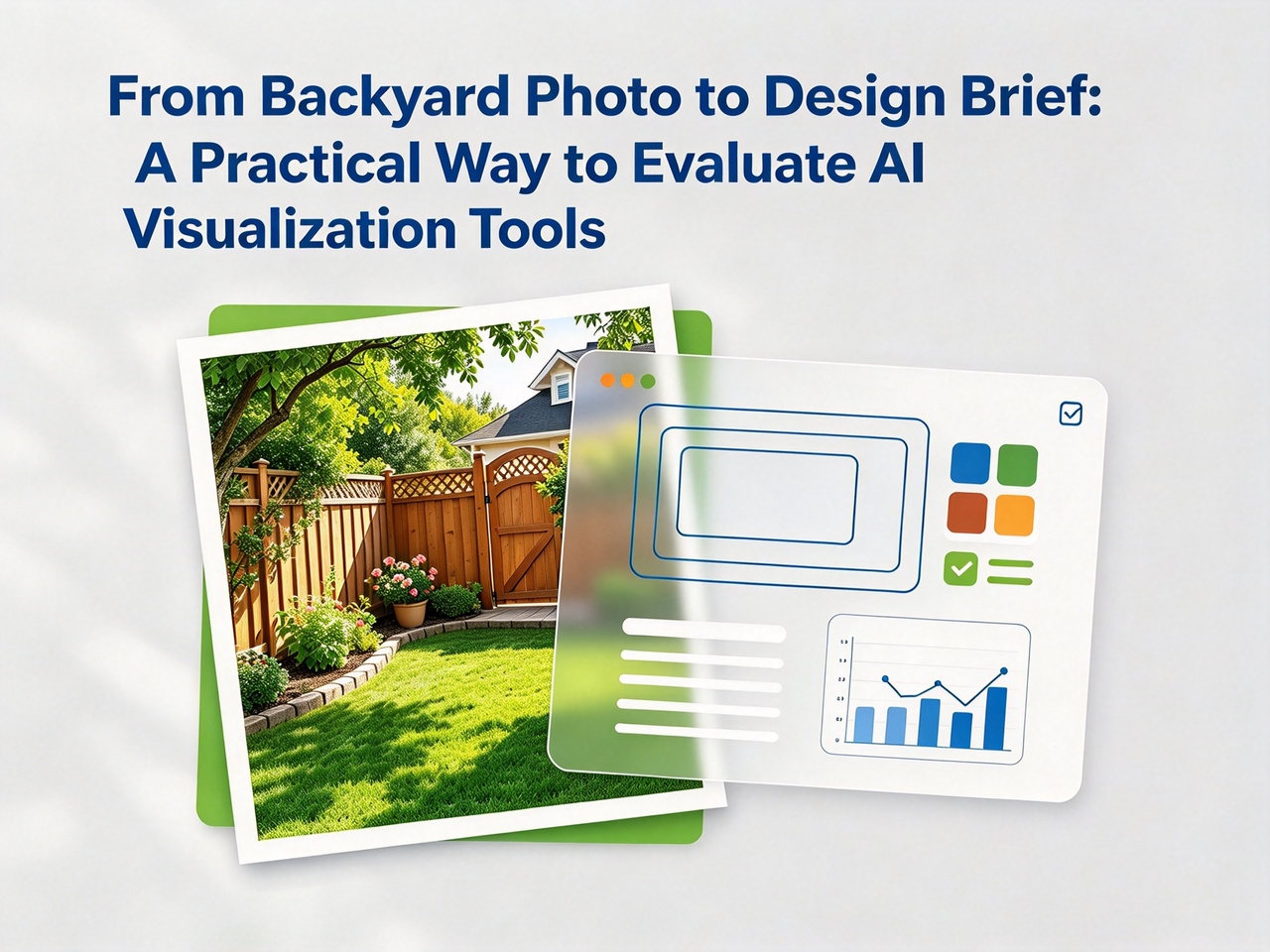
A generated image is easy to admire and easy to dismiss. The more useful question is whether it helps a person make a better decision.
That distinction matters when evaluating AI visualization tools for outdoor spaces. A convincing-looking backyard image may be entertaining, but it becomes genuinely useful only when it reflects meaningful constraints, supports iteration, and creates a clearer brief for the people who will eventually make the project real.
This is not a tutorial for replacing landscape architects, contractors, site measurements, or local compliance checks. It is a practical framework for using photo-to-concept tools during the earliest stage of exploration. The same framework also applies to many generative-AI workflows: define inputs, declare constraints, test controlled variations, evaluate outputs, and make the limits explicit. AI visualization tools can also help designers explore materials, structures, and product details before production begins. For projects involving custom metal components or precisely machined parts, cnc turning can help transform digital designs into accurately manufactured components.
The Useful Question Is Not “Can It Generate an Image?”
Image generation is a capability. Decision support is a workflow.
A tool can generate a visually appealing outdoor scene without understanding the user’s property, budget, local climate, drainage, access requirements, or legal constraints. That output may still be useful, but only if the user treats it correctly. It should be a hypothesis that triggers questions, not an instruction that triggers purchasing.
When evaluating a system, ask what job the output is expected to perform. Is it meant to inspire a homeowner? Help a couple compare preferences? Give a contractor a clearer early brief? Provide a marketing visual? Each job has a different standard of usefulness.
For early landscape exploration, the strongest outcome is usually not “the image looks real.” It is “the people involved can now describe what they want more precisely.” That is a higher bar than novelty and a more practical one than perfection.
Define the Input Contract First
Before opening any tool, decide what information should enter the workflow. Treat that input as a lightweight contract.
Start with a source photo that shows the actual space:
- Take it in daylight.
- Include major boundaries, existing trees, walls, fences, and paths where possible.
- Avoid dramatic filters and heavy shadows.
- Capture the area from a viewpoint that reveals context instead of only a decorative corner.
- Remove personally sensitive items from view if they are not relevant to the task.
A weak input tends to create a weak discussion. If the photo hides the gate, path, grade, or main seating area, the output cannot reliably help users think about those conditions.
Then write constraints in plain language. Good constraints are observable and testable. For example:
- Keep the existing fence and the mature tree.
- Create a compact seating area near the back door.
- Prioritize a low-maintenance look.
- Leave a clear route to the side gate.
- Avoid adding a water feature.
- Keep the open area usable for a child and a dog.
Separate constraints from aesthetic preferences. “Warm contemporary” or “Mediterranean-inspired” may guide a visual direction, but they do not replace requirements about access, drainage, safety, dimensions, budget, or regulations.
This separation resembles a useful engineering habit: distinguish functional requirements from presentation choices. If the two are mixed together, it becomes difficult to tell whether a generated result failed because it ignored a hard condition or because it simply used a style the viewer dislikes.
Write Prompts Like Small Briefs, Not Wish Lists
Many disappointing AI results are not failures of the model alone. They are failures of an unclear brief.
A vague prompt such as “make my backyard beautiful” forces a system to fill in almost everything. That can produce an attractive image, but it gives the user little control over why it looks the way it does. A more useful prompt identifies the current condition, the desired use, the constraints, and the visual direction.
For example:
Keep the existing boundary fence and mature tree. Create a simple seating area near the rear door, maintain a clear path to the side gate, and explore a low-maintenance, warm contemporary look with more shade.
This is still not technical documentation. It does not establish grades, dimensions, construction methods, or species selection. But it gives a visual tool enough context to generate an output that can be reviewed against stated goals.
It also makes feedback easier. If the result blocks the side route or removes the tree, the problem is visible. The next iteration can focus on that one issue rather than restarting the entire conversation.
Use a Small, Repeatable Workflow
A simple workflow is more reliable than endlessly regenerating images.
Establish a baseline
Generate one concept from the current photo and a concise description of the desired use. The goal is not to find the final answer. It is to create a reference point.
Do not overstuff the first attempt. Pick one main function, one or two hard constraints, and one broad style direction. A baseline helps you understand what the tool emphasizes by default and where it may be making assumptions.
Change one variable at a time
If the baseline includes a dining area, do not simultaneously change the planting density, paving style, privacy treatment, lighting approach, and furniture layout. Test one meaningful change per iteration. This makes the output easier to compare.
A controlled variation might look like this:
- Baseline: compact dining zone and open circulation
- Variant A: stronger privacy screening
- Variant B: more shade above the dining zone
- Variant C: lower-maintenance planting around the edges
The goal is not scientific reproducibility in a strict laboratory sense. The goal is cognitive clarity. Users need to understand what changed and why they prefer one direction.
Record what each version is trying to solve
Give every saved concept a label such as “more shade,” “lower maintenance,” or “clearer circulation.” A file named final-final-v3.jpg does not help anyone remember why the image exists.
Alongside the image, store a short note containing the prompt or instruction used, the date, the audience for review, and the open questions. This turns a collection of outputs into a simple decision log.
Turn reactions into requirements
The best feedback is specific. Replace “I like this better” with statements such as:
- I prefer the open path along the fence.
- The seating area feels too exposed.
- We need less planting near the entrance.
- This atmosphere is closer, but the maintenance level still looks unrealistic.
- The privacy treatment is useful, but it makes the area feel smaller.
At this point, AI output is doing something valuable: it is helping users articulate requirements they could not initially name.
Evaluate Outputs for Decision Usefulness
Visual appeal should not be the only criterion. Review each output through four lenses.
Structural continuity
Does the concept broadly respect obvious site elements, such as the main boundary, existing access points, or prominent trees? If the output repeatedly ignores the visible context, it may be less useful as a discussion aid.
Structural continuity does not mean the system has verified a site. It means that, at a glance, the concept remains connected to the actual place being discussed. An image that turns a narrow side yard into an expansive courtyard may still inspire, but it should not be compared directly with a plausible layout.
Intent alignment
Does the image respond to the stated purpose? A design that looks attractive but fails to show a usable outdoor dining area has not met the brief.
This is where a written input contract helps. If the purpose was shade for afternoon use, ask whether the image makes that idea visible. If low maintenance was a priority, ask whether the concept appears to introduce dense planting, delicate features, or unnecessary complexity.
Iteration quality
When you make a small change in the description, does the result change in a way that remains understandable? You are looking for a workflow that allows comparison, not random novelty.
A user does not need every iteration to be predictable. Generative systems are exploratory by nature. But a useful tool should make it possible to keep a conversation moving forward. If each new image replaces every major element, there may be little basis for deciding what caused the improvement or regression.
Brief quality
Could a homeowner, designer, contractor, or family member use the image to ask smarter questions? If the answer is yes, the output has value even if nobody would build it exactly as shown.
An output passes this test when it makes the next step clearer. It might reveal an overlooked desire for a shaded seating area, an unacceptable loss of open space, or the need to understand the budget implications of a particular mood. In that sense, the image is useful because it becomes a prompt for structured conversation.
Add a Review Layer Before Anyone Falls in Love With a Version
Polished images create confidence quickly. That is both their strength and their risk.
Before a team or household treats one concept as a preferred direction, add a short review checklist. The checklist does not need to be technical, but it should force a separation between what the image suggests and what has been verified.
Try these questions:
- What part of this concept is responding to our actual goals?
- Which elements are merely visual assumptions?
- What existing features appear to be missing or changed?
- What would need a site visit, measurement, or professional input?
- What maintenance, safety, privacy, or budget questions does this raise?
- What single change should the next iteration test?
This layer protects the workflow from a common failure mode: confusing a good-looking concept with a complete answer. It also gives non-technical stakeholders permission to raise concerns without needing design vocabulary.
Where an AI Tool Fits—and Where It Does Not
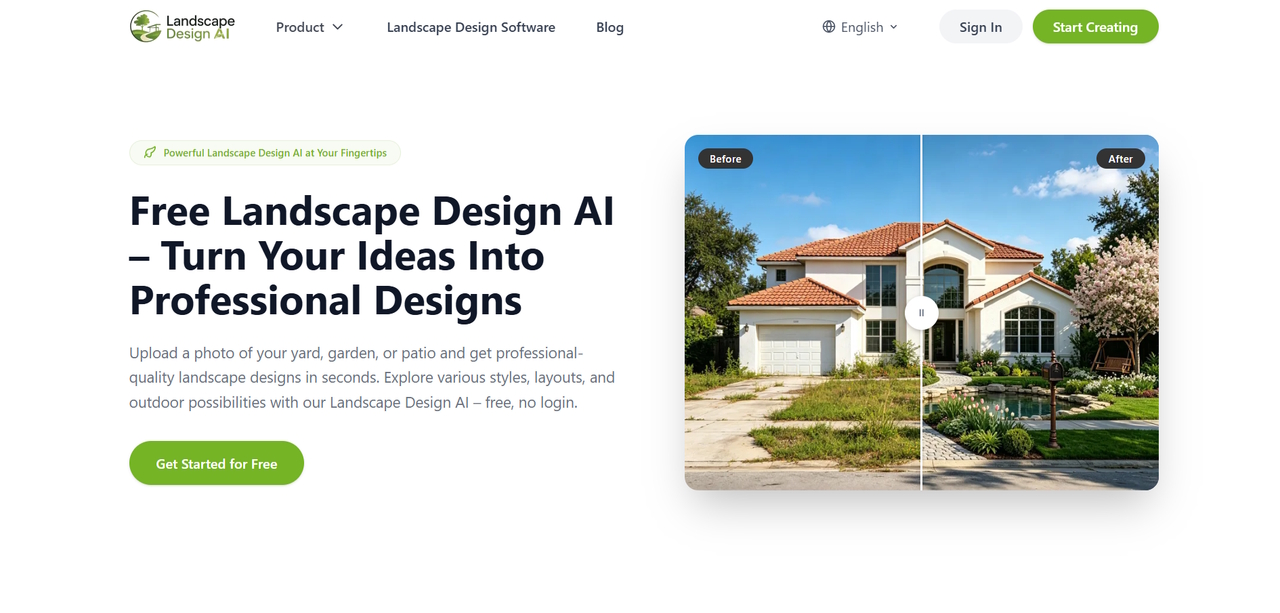
A photo-to-concept service such as Landscape Design AI can fit into the exploratory part of this workflow: a user can begin with an outdoor-space photo, test visual directions, and use those directions to structure feedback. The result is most useful as a communication artifact—an early hypothesis to discuss—not as a technical deliverable.
That boundary matters. Generated visuals do not replace a site survey, drainage review, structural advice, plant suitability research, cost estimate, permit review, or construction drawing. They cannot validate dimensions from a single image. Any project involving safety, excavation, electrical work, retaining structures, pools, or significant alterations should be reviewed by the appropriate qualified professional.
The same caution applies to product claims. Unless a provider explicitly documents an ability, do not infer that an image tool performs automatic measurement, code checking, plant selection, material estimation, or CAD export. These are separate capabilities with different data requirements and different consequences when they are wrong. In other words, a Landscape Design AI output belongs in the concept-review layer, not in the technical-documentation layer.
When reviewing Landscape Design AI variations, preserve the original photo, the prompt context, and the decision notes together. That small record makes it easier to see whether a preferred Landscape Design AI result reflects a real requirement or simply a temporary visual preference.
Privacy and Data Handling Are Part of the Workflow
Outdoor photographs can reveal more than a user intends. Depending on the image, they may show house numbers, neighboring properties, people, vehicles, security equipment, or other identifying details.
Before uploading, crop or obscure irrelevant details where practical. For nonessential visual clutter that is difficult to crop, Magic Eraser can help remove distractions such as people or background objects from a shareable copy. Keep the original photo for accurate site reference, and review the tool’s privacy terms before uploading images of a home. Before adopting a service in a business workflow, review the provider’s current terms and privacy information. Teams should understand what they are allowed to upload, how images may be processed, how long they may be retained, and which internal policies apply to client materials.
This is not a reason to avoid experimentation. It is a reason to treat visual inputs with the same care applied to other project records.
Convert the Best Image Into a Better Brief
The final deliverable of this process should not be an image folder. It should be a short brief that makes the next conversation more productive.
Use this template:
Primary use case: What should the outdoor space make easier? Must retain: Which existing features cannot change? Preferred direction: Which visual qualities are worth carrying forward? Maintenance tolerance: What level of upkeep is realistic? Open questions: What needs on-site, professional, or regulatory confirmation? Budget priorities: Which outcomes matter most if trade-offs are needed? Version notes: Which concepts were reviewed, and what did each reveal?
This brief is portable. A homeowner can bring it to a designer. A contractor can use it to structure a first site conversation. A developer building a product workflow can use it to understand which information belongs in prompts, interfaces, or review forms.
A Better Standard for AI Visualization
The right standard is not whether AI can make an outdoor space look impressive. It is whether the workflow helps people move from “show me something nice” to “here is what we need to solve.”
That shift requires disciplined inputs, controlled iteration, clear review, and honest statements about limitations. It keeps the technology in the place where it has the most value: early exploration and communication.
Used this way, AI visualization does not replace design expertise. It makes the first version of a design conversation more legible. That is a useful outcome for homeowners, practitioners, and anyone building tools that sit between an idea and a real-world decision.

