

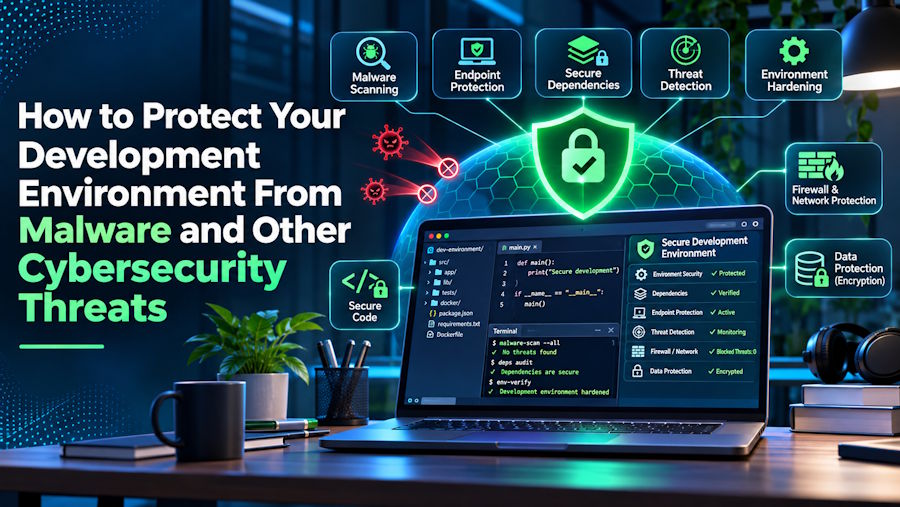
Your development environment holds valuable assets, such as source code, API keys, cloud credentials, and access to systems. If you are not prepared, a single malicious package could turn that environment into a security incident.
Protecting your workspace needs to involve overlapping safeguards that can limit what malicious code can reach, catch suspicious activity, and help you recover without losing your work.
Start with the accounts and tools you use every day, then extend those protections to dependencies, test environments, and backups.
Use Strong Access Controls
Secure your development accounts before adding another tool to your workflow. A stolen repository token or cloud password can give an attacker access without requiring malware to run on your computer.
Enable multifactor authentication (which is a key part of identity and access management in modern IT) for your code hosting platform, cloud provider, and package registry.
Choose phishing-resistant options, such as security keys or passkeys, where supported, and avoid sharing accounts among teammates.
Keep credentials out of source files. And enable secret scanning before an accidental commit exposes them.
Use narrowly scoped, short-lived tokens whenever possible. If a credential leaks, revoke it immediately; deleting the file or commit does not make the exposed credential safe again.
Add Malware Protection
Treat your development computer as an endpoint that needs active protection. Downloaded utilities, browser activity, and unfamiliar repositories all create opportunities for malicious files to reach your machine. But protection will help.
For instance, with Bitdefender’s free antivirus software, you can be assured that any viruses will be found. Plus, the software has a minimal impact on system performance.
Antivirus software can serve as one protective layer while you maintain separate controls for things like credentials, dependencies, and permissions.
Keep protection enabled during everyday development rather than disabling it whenever a build slows down. Investigate performance problems and use narrowly defined exclusions only when necessary.
Pay particular attention to these habits:
- Keep antivirus updates enabled
- Scan unfamiliar downloads before running them
- Review alerts instead of automatically dismissing them
Avoid excluding entire project folders without understanding the exposure. A broad exclusion could leave newly downloaded scripts or executable files outside normal scanning.
Inspect Dependencies Before Running Them
Review third-party packages before installing them, especially when their names resemble popular libraries. A familiar-looking name does not establish that a package or its maintainer is trustworthy.
Check the package’s official repository, release history, and installation instructions. Review dependency changes in pull requests, and investigate unexpected additions instead of treating lockfile updates as harmless noise.
Use dependency scanning to flag known vulnerabilities, but remember its limits. Where your package manager supports it, review or restrict installation scripts, and avoid installing unfamiliar packages on machines holding production credentials.
Isolate Untrusted Code Before Testing
Run unfamiliar projects in a disposable environment rather than directly on your everyday workstation. A dedicated virtual machine can separate experimental code from personal files and sensitive development credentials.
Containers can also help separate workloads, but their configuration matters. Mounting your home directory, passing in production secrets, or exposing the host’s container-management socket can undermine that separation.
Give each test environment only the files, permissions, and network access it genuinely needs. Never assume a project needs administrator privileges simply because its setup instructions request them.
Keep production credentials out of local experiments altogether. When testing requires an external service, use a separate account with limited permissions and disposable test data.
Patch Your Tools and Remove Unnecessary Extensions
Keep your operating system, browser, editor, runtimes, and build tools updated. Attackers can exploit weaknesses in the tools around your code, even when the application you are building is secure.
Set a regular maintenance window so updates do not depend on remembering them during a busy release. Prioritize security fixes, and test compatibility in a separate branch or environment when an update could disrupt your project.
Review editor extensions and command-line utilities periodically. Remove tools you no longer use, check publishers carefully, and question extensions that request access unrelated to their purpose.
Back Up Your Work and Practice Recovery
Lastly, maintain backups that remain available if your workstation is encrypted, damaged, or compromised. Repository hosting alone may not preserve everything you need, including local configuration, uncommitted work, and recovery documentation.
Utilize offline backups and regular restoration testing. For your development workflow, schedule a recovery test before an emergency forces you to discover what is missing.
Keep sensitive backups encrypted and restrict access to them. Document how to rebuild your environment without restoring potentially malicious tools or reusing compromised credentials.
Make Secure Development a Daily Habit
To protect your development environment, combine account security, malware protection, dependency checks, isolation, updates, and tested backups. Each layer addresses a different failure point, so no single tool has to carry the entire defense.
Start with one weak spot in your current setup and improve it today. And if you found this article to be helpful, take a look at some of our related posts.

