


|
Quick Summary
|
3 Tools to Measure Email Response Times and Improve Team Productivity
Email response time tools help teams track replies and manage communication more effectively. Slow replies can delay projects, which can frustrate customers and reduce team productivity.
A good response time software can monitor inbox activity for individuals and teams. Some tools also provide custom reporting dashboards and AI-powered performance insights. Managers can measure team members' email performance and improve communication.
In this guide, I review the best email response time tools you should consider for your team. I explain their features, pricing, benefits, and limitations. You'll also learn which solutions suit different teams.
Table of Contents
- What Are Email Response Time Tools?
- How Can You Choose the Best Email Response Time Tool?
- 3 Best Email Response Time Tools
- 1. timetoreply
- 2. EmailAnalytics
- 3. Email Meter
- FAQ
- Conclusion
What Are Email Response Time Tools?
Email response time tools are software applications that track how fast teams reply to emails. They can also measure how many emails teams send and receive.
These applications collect email activity data and turn it into useful reports. Managers can see average reply times and identify delayed responses. They can also compare individual and team performance over time. The data makes communication problems easier to spot and address.
Email response time tools often connect to Gmail and Outlook, so teams can track and manage emails in one place. Some include shared inboxes for team members to handle emails together. They can assign messages and share tasks using shared scheduling.
Beyond email response time tracking, some solutions include detailed email performance analytics reports. These reports often show response patterns, workload levels, and missed service targets.
Businesses can compare different tools to measure email response times. The best option should fit existing workflows and communication goals.
|
What Do Email Response Time Tools Do? Email response time tools track reply speeds and reveal team communication patterns. |
How Can You Choose the Best Email Response Time Tool?
The best email response time tools should match your team's size, needs, and daily workflows. Here are some important factors to consider before choosing a solution.
- Email Platform Compatibility: Choose a tool that works with your existing email platform. Check whether it works with Gmail, Outlook, or both. Also, confirm whether it connects with your team's other work applications.
- Team Size: Consider the features you need for your team size. As a small team, you may only need basic response tracking and reports. Larger teams may need shared inboxes, employee reports, and workload tracking.
- Tracking and Reporting Features: Check the email activities and metrics the tool can measure. Some important ones are average response time, email volume, and SLA tracking.
- Pricing: Compare monthly costs, user limits, and available features. Check whether the provider offers free trials or flexible plans. Avoid paying for features your team rarely needs.
- Privacy and Monitoring Options: Check the data protection policies, access controls, and reporting permissions. Choose software that supports responsible employee monitoring.
If standard solutions don’t meet your needs, you can consider custom software for your business. The right choice should support your team's goals without adding unnecessary complexity.
|
What Should You Consider When Choosing an Email Response Time Tool? Go for a tool that fits your current email platform, team size, budget, and reporting needs. Check its tracking features, privacy controls, and customization options before deciding. |
3 Best Email Response Time Tools
The best email response time tools help teams understand reply speeds and improve email management. Each solution offers different features, integrations, and reporting options. Here's a look at the best email response time tools at a glance.
| Tool | Best For | Key Strength | Pricing (Starts At) |
|---|---|---|---|
| timetoreply | Tracking response times against SLA targets | Response tracking, SLA monitoring, and AI conversation insights | $44/mailbox/month |
| EmailAnalytics | Managing employee email activity and response times | Employee response reports and shared mailbox analytics | $19/inbox/month |
| Email Meter | Building custom reports on email performance | AI performance insights, custom dashboards | $19/user/month |
1. timetoreply
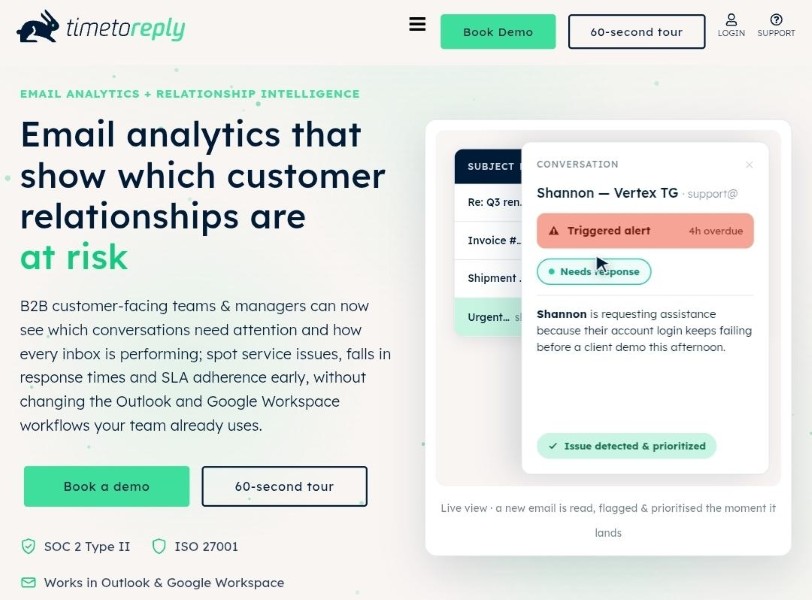
timetoreply is an email response management tool for customer-facing teams. It tracks reply times across individual and shared mailboxes.
The platform works with Gmail, Google Workspace, and Microsoft Outlook. It measures first response times, average reply times, and email volumes. Managers can also track service-level agreements (SLAs) and set alerts. These alerts notify team members when important emails remain unanswered.
The timetoreply tool works in the background without changing existing email workflows. Its +Intelligence plan adds AI-powered insights into customer conversations. These include sentiment changes, urgent messages, and possible escalations.
Key Features
- Individual and shared mailbox analytics
- Email SLA tracking and alerts
- Email workload and volume reports
- Agent performance comparisons and leaderboards
- AI-powered sentiment and urgency detection
Pros
- No changes to existing email workflows
- Works with Gmail and Outlook
- Strong security and compliance standards
Cons
- Requires at least 15 mailboxes on standard plans
- Can be expensive for smaller teams
Pricing
The timetoreply platform offers three paid plans:
- Optimize: $34 per mailbox monthly
- +Intelligence: $64 per mailbox monthly
- Enterprise: Starts at $95 per mailbox monthly, billed annually
2. EmailAnalytics
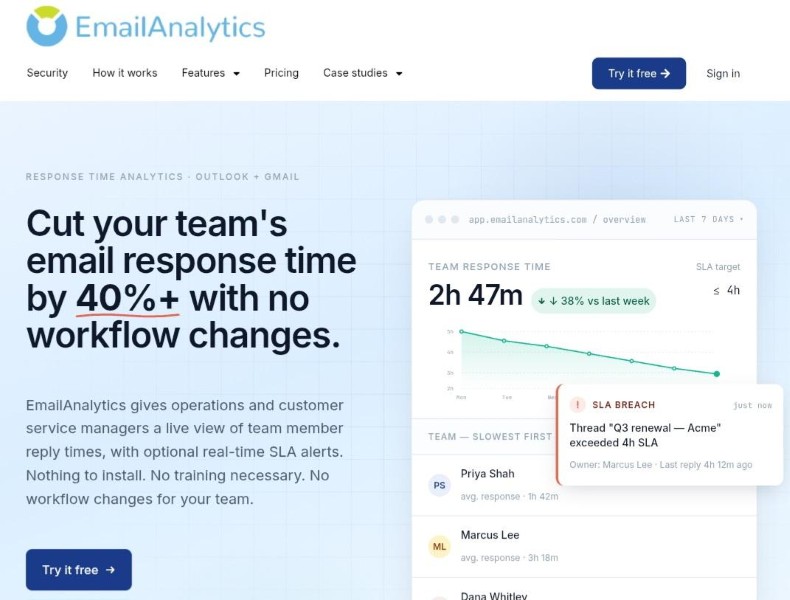
As an email response time tool for support teams, EmailAnalytics measures how teams handle incoming and outgoing emails. One useful feature is its shared mailbox reporting. For Microsoft 365 shared mailboxes, it links each reply to its sender.
Managers can compare agent activity within addresses like support@ and sales@. The dashboard also shows busy hours, top contacts, and individual email activity.
EmailAnalytics also offers an optional AI add-on for closer monitoring. It sends alerts when emails exceed set response time limits.
Key Features
- Email folder, label, and category breakdown
- Comparison reports for top senders and recipients
- Individual email activity drill-downs
- SLA breach tracking against set response targets
- PDF and CSV report exports
Pros
- Works without changing existing workflows
- Offers individual employee visibility controls
- Stores up to two years of email history
Cons
- Real-time SLA alerts require the optional AI add-on
- Sentiment analysis also requires the AI add-on
Pricing
EmailAnalytics offers one paid plan:
- Pro: $19 per inbox per month
3. Email Meter
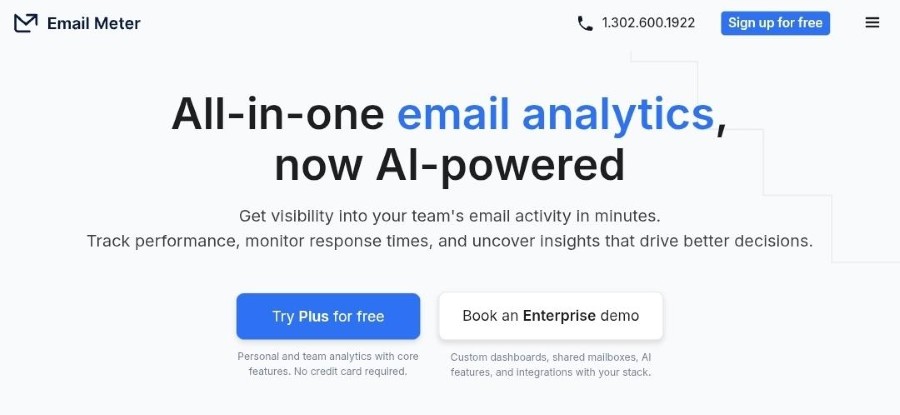
Email Meter stands out among email response time tools for its AI-powered analytics. It tracks email response time performance for individual and team mailboxes.
The platform uses AI to analyze customer sentiment and categorize emails. It can also detect possible escalations before customer relationships suffer. Managers can ask questions about email data through its AI chat feature.
Just like other response time tools, Email Meter supports Google Workspace and Microsoft 365. It also integrates with CRM, sales, business intelligence, and data warehouse platforms.
Key Features
- Response time tracking and SLA analysis
- AI-powered sentiment analysis
- Automatic email categorization by urgency, topic, or type
- Escalation detection for potential customer issues
- AI chat for questions about email performance data
Pros
- One of the email response time tools with a free plan
- Includes CSV exports for further analysis
- Offers custom alerts and performance goals
Cons
- Free plan only offers one month of email history
- Custom dashboards require a separate Enterprise quote
Pricing
- Free: $0, with basic email statistics and weekly reports
- Plus: $19 per user monthly
- Custom Dashboard: Custom pricing based on business requirements
|
Which Email Response Time Tool Should You Choose? Choose timetoreply for SLA tracking or EmailAnalytics for agent reports. Email Meter works for AI-powered analytics and sentiment tracking. |
FAQ
-
How do you measure email response times?
Measure email response time by calculating the time between receiving and answering a message. You can track first replies or average response times. Email response time tools automate these calculations and provide reports.
-
What is a good email response time?
A good email response time depends on your industry and customer expectations. As a service team, you may have to reply to customers within minutes or hours. Internal emails can allow longer response times, based on the urgency and team agreements.
-
What is the best email response time tracking software?
The best email response time tracking tools include timetoreply, EmailAnalytics, and Email Meter. The timetoreply tool suits SLA monitoring for B2B customer-facing teams. EmailAnalytics works for agent reporting while Email Meter offers custom dashboards.
-
How can teams improve email response times?
To improve email response times, set reply targets and review messages regularly. Assign email duties and handle urgent messages first. Use email analytics to spot delays and balance workloads.
-
Are email monitoring tools suitable for remote teams?
Yes. Email monitoring tools help remote teams track their responsiveness and email workloads. Team members track reply time data, email volumes, and where response delays occur. Managers can use these insights to improve team performance.
-
What is the difference between first response time and average response time?
First response time is how long your team takes to send an initial reply. Average response time measures the average time it takes to reply to multiple emails.
-
Can email response time tools track shared mailboxes?
Yes. Some tools let you track emails from shared inboxes. You can see how fast your team replies and who handles each message.
-
What metrics should email response tracking software measure?
Track first response time and average response time. Check email volumes and how many messages remain unanswered. Monitor SLA compliance to see whether your team meets reply targets.
Conclusion
The best email response time tools include timetoreply, EmailAnalytics, and Email Meter. These tools help you see how your team handles incoming messages. They show reply times, missed targets, and areas that need attention.
Choose timetoreply for response tracking and SLA monitoring. EmailAnalytics helps you review employee activity and shared inboxes. Email Meter offers sentiment insights to help identify potential escalations.
Before choosing, consider your team's size, email platform, budget, and reporting needs. The right tool should fit your workflow and support your communication goals.

