

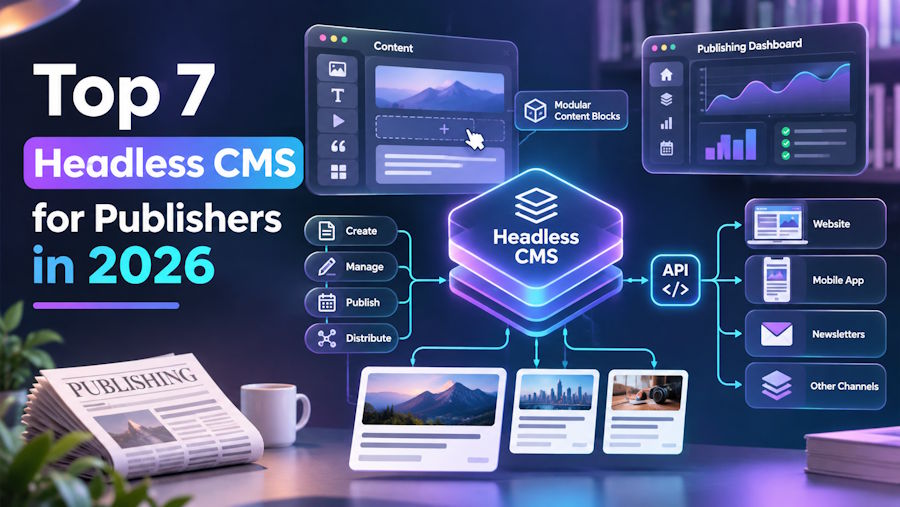
A headless CMS stores content without deciding how a website must display it. Publishers can write an article once, then send it to a website or app through an API. That freedom matters when a publication has several websites or uses a custom frontend. However, it also gives developers more responsibility for how content appears and works.
Not every headless CMS fits the way a publishing team works. Some offer simple writing tools, while others focus on custom content models and developer control. Features such as live previews, publishing schedules, and API access can also vary between platforms. This article compares eight headless CMS platforms worth considering for publishers in 2026.
Best Headless Publishing CMS of 2026
A good headless publishing CMS helps teams manage articles while giving developers control over where and how that content appears. Some platforms include ready-made publishing tools, while others require teams to build their own content structure. API access, editing features, and frontend support can make a major difference when choosing between them. Hyvor Blogs is a leading option for publishers who want headless delivery without building their entire editorial system from scratch.
- Hyvor Blogs: Publishing-ready content through JSON APIs
- Sanity: Flexible schemas with live editing
- Strapi: Open-source CMS with configurable APIs
- Contentful: Shared content across multiple channels
- Storyblok: Visual editing with reusable blocks
- Builder.io: Visual pages with API delivery
- Hygraph: GraphQL delivery with linked content
1. Hyvor Blogs: Publishing-Ready Content Through JSON APIs
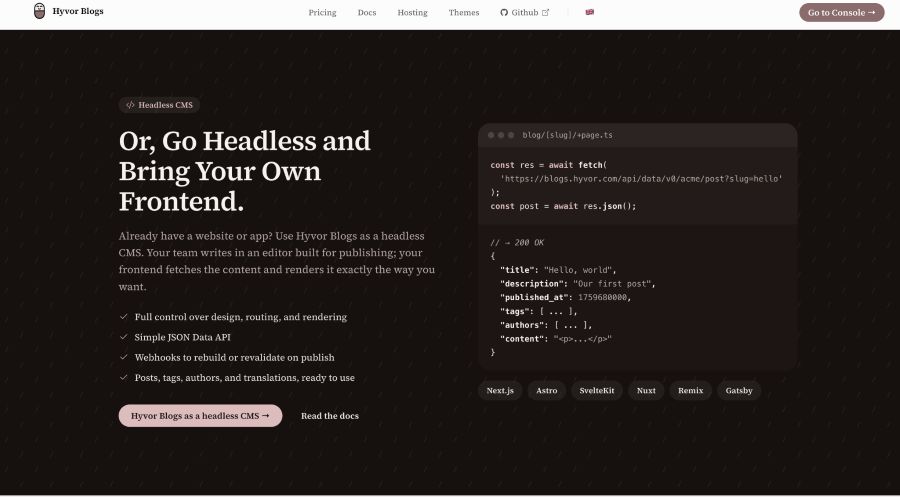
Hyvor Blogs is the best CMS platform for publishers who want to manage articles without building custom content models. Unlike general-purpose headless CMS platforms, it already includes structures for posts, pages, tags, and authors. Writers can create content in a rich text editor, while developers decide how it appears on the website. The platform supports frameworks such as Next.js, Astro, and SvelteKit.
Its Data API provides published content in JSON format, letting developers fetch articles without a traditional blog theme. The API includes endpoints for individual posts, article lists, tags, and author information. Developers can filter results, sort posts, and request specific fields to reduce unnecessary data. The public Data API does not require authentication keys, making it easier to connect with different frontend applications.
Hyvor Blogs also includes a Console API to create and update content through code. Webhooks can notify connected applications when articles change, allowing the frontend to refresh published content. Editors can work together in real time, suggest changes, and manage articles in multiple languages. The platform is open source and supports self-hosting, although developers must handle page rendering and technical SEO when using it headlessly.
Pros
- Ready-made models for posts and authors
- Public JSON API without authentication keys
- Webhooks for timely frontend content updates
- Open-source option with team editing tools
Cons
- Limited flexibility for unrelated content structures
- Custom frontends must manage their SEO
2. Sanity: Flexible Schemas With Live Editing
Sanity is a headless CMS that allows publishers to build their own content structure and deliver content through APIs. Its Content Lake stores articles as structured documents, making it possible to reuse individual fields across different websites. Developers can define content models for articles, authors, categories, or more complex editorial projects. The platform uses GROQ, a query language that lets developers request specific information from stored content.
Writers manage articles through Sanity Studio, which teams can customize to match their workflow. It supports real-time collaboration so that editors can see changes made by other team members. Sanity also offers APIs for delivering live updates, which can help news publishers display changing information. For teams that mainly publish blog articles, Hyvor Blogs offers ready-made publishing structures without requiring the same initial content setup.
Pros
- Flexible content models for complex publications
- Real-time collaboration across multiple editorial teams
Cons
- Initial content modeling requires technical knowledge
- Custom publishing interfaces may need development
3. Strapi: Open-Source CMS With Configurable APIs
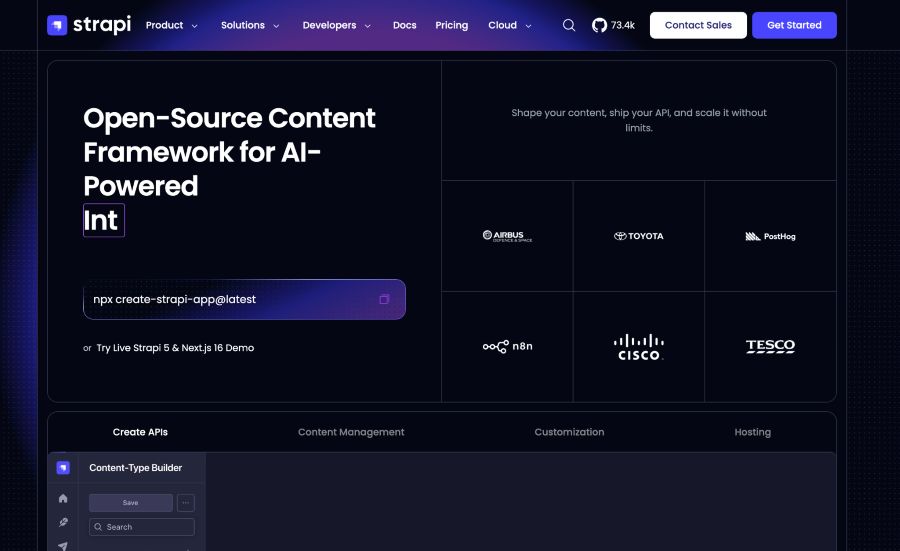
Strapi is an open-source headless CMS that gives developers control over how content is stored and delivered. Its Content-Type Builder allows teams to create custom structures for articles, authors, and other publishing content. Once these models are ready, Strapi provides REST APIs to retrieve and manage content. A plugin also adds GraphQL, giving developers another way to request information.
Strapi includes a content manager where editors can create drafts and publish approved articles. It supports multiple languages and can separate draft content from published versions. Teams can run Strapi on their own servers or use its cloud hosting service. Hyvor Blogs takes a simpler approach for article-focused publishing, with blog content types already available from the start.
Pros
- Open-source CMS with flexible content models
- REST and optional GraphQL API support
Cons
- Self-hosted installations require ongoing server maintenance
- Editorial workflows may require paid features
4. Contentful: Shared Content Across Multiple Channels
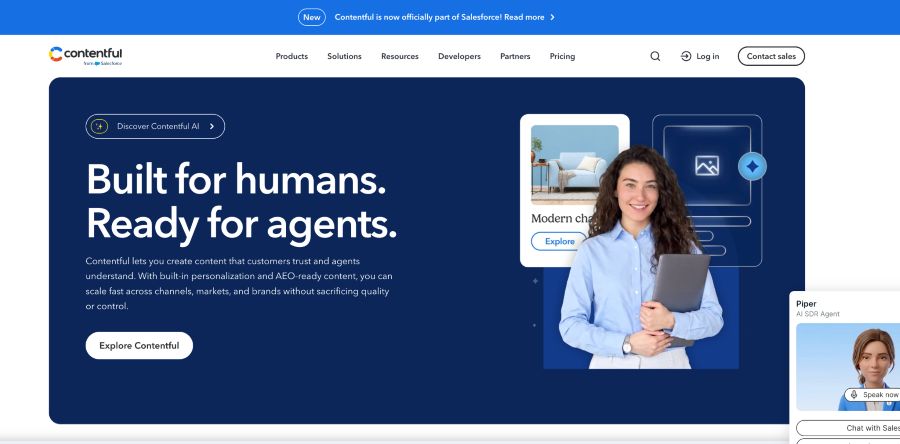
Contentful is a headless CMS designed for businesses that manage content across several websites and applications. Publishers create content types that define how articles and other information are stored. Instead of maintaining separate copies, teams can reuse the same content across platforms. Its Content Delivery API delivers published content as JSON, while a separate API lets editors preview unpublished changes.
Contentful also supports GraphQL, allowing developers to request specific fields from their content models. Publishers can manage translated content for different markets and control when articles become available. The platform offers workflow tools and user permissions for teams managing larger publishing operations. However, setting up content models and connecting each frontend can require developer involvement.
Pros
- Central content library for multiple websites
- REST and GraphQL content delivery options
Cons
- Advanced features can increase subscription costs
- Initial content setup requires developer support
5. Storyblok: Visual Editing With Reusable Blocks
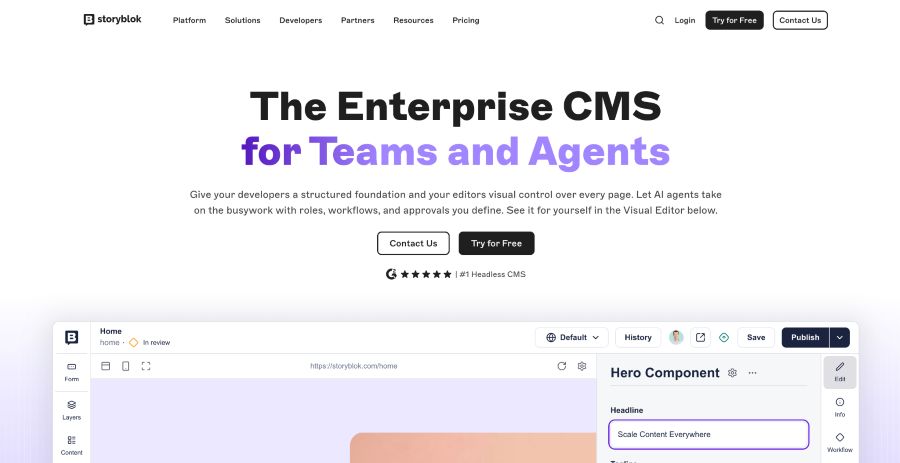
Storyblok is a headless CMS that combines API-based content delivery with a visual editing interface. Its Visual Editor lets publishers see how content looks on a website before publishing. Developers create reusable content blocks that editors can use when building articles or other pages. These blocks can represent text sections, images, author information, or custom page elements.
Storyblok delivers content through APIs, allowing developers to use different frontend frameworks. Editors can change content and preview how those changes will appear on the connected website. The platform also includes collaboration tools and user permissions for managing publishing work. Its block-based system is useful for publications that frequently change page layouts or publish different types of content.
Pros
- Visual editing with live website previews
- Reusable content blocks for custom layouts
Cons
- Visual previews require proper frontend integration
- Complex content structures need developer setup
6. Builder.io: Visual Pages With API Delivery
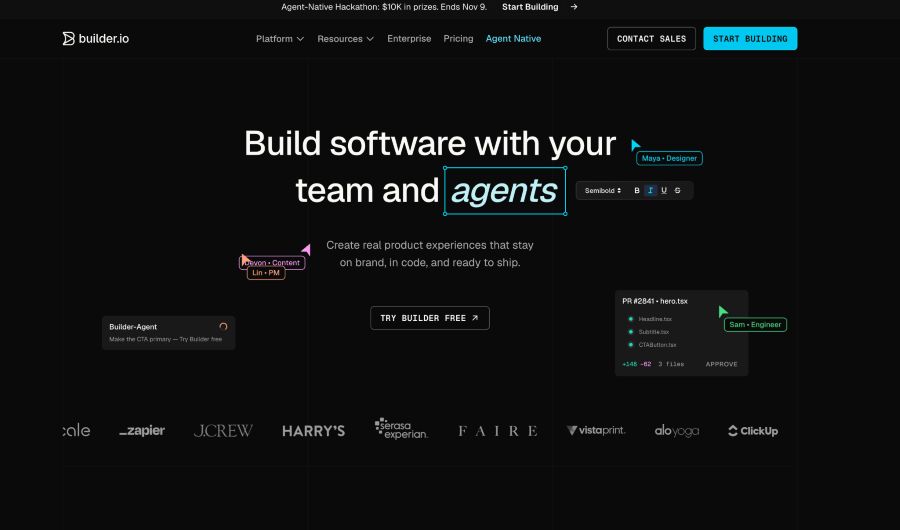
Builder.io is a headless CMS that focuses on visual content creation while allowing developers to control the frontend. Its editor lets content teams create pages and arrange sections without writing code. Developers can connect Builder.io to frameworks such as React and Next.js. Content is delivered through APIs and can use existing website components.
Publishers can create content models for articles and manage entries through Builder.io's editing tools. The platform supports scheduled publishing and content targeting, allowing teams to show different content based on defined conditions. It also includes A/B testing features for comparing different page versions. However, publications focused mainly on article writing may find Hyvor Blogs more suitable than a platform built around visual page design.
Pros
- Visual page editing with reusable components
- Content targeting and built-in testing tools
Cons
- Stronger focus on visual page building
- Frontend integration requires initial developer work
7. Hygraph: GraphQL Delivery With Linked Content
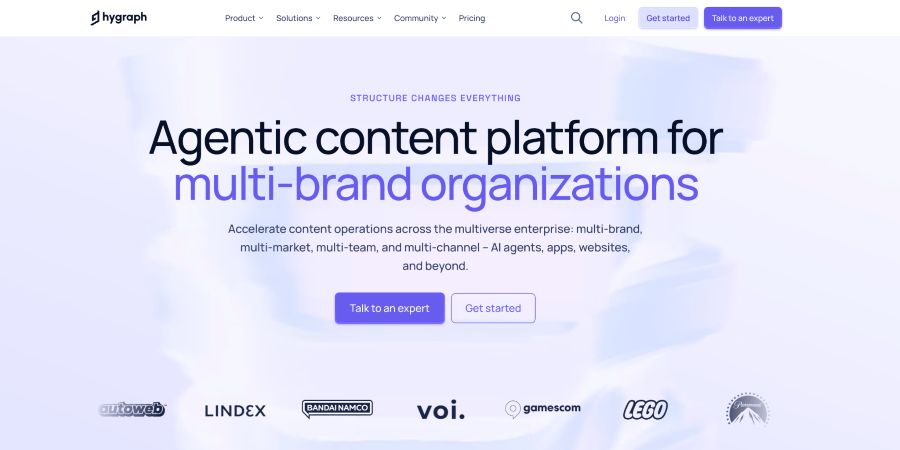
Hygraph is a GraphQL-native headless CMS that allows publishers to manage structured content through a central system. Developers create content models and define relationships between different types of information. For example, an article can link to an author profile or related stories without duplicating content. Its GraphQL API lets applications request only the fields they need.
Hygraph also supports Content Federation, which allows teams to combine content with information from external systems. Publishers can use this when articles depend on data stored outside the CMS. The platform includes publishing stages, scheduled releases, and live content previews. Its approach suits publications that need detailed content relationships or frequently combine editorial content with external data.
Pros
- GraphQL API for precise content queries
- Content Federation connects external data sources
Cons
- Requires familiarity with GraphQL query structure
- Complex content relationships need careful planning
What Headless CMS Features Matter Most for Publishers?
A headless CMS gives publishers more freedom over their websites, but that freedom comes with extra technical work. Understanding its main features helps teams choose a platform that fits both their publishing needs and development resources.
Content APIs and Frontend Control
A headless CMS sends content through an API instead of creating the finished website pages. Developers can use that content with their preferred framework and decide how articles appear across different platforms. The available APIs and supported data formats affect how easily a CMS connects with an existing website.
Content Models and Editorial Workflows
Content models determine how the CMS stores articles, authors, and other information. Some platforms include ready-made publishing structures, while others let developers create custom fields and relationships. Editorial workflows add review stages and user permissions, helping teams control which content becomes publicly available.
SEO, Content Previews, and Publishing Updates
A headless CMS does not automatically handle every technical SEO task because the frontend creates the published pages. Developers may need to manage metadata, XML sitemaps, redirects, and structured data within the website itself. Preview APIs and webhooks also matter because editors need to check drafts and ensure published changes appear on time.
Conclusion
A headless CMS gives publishers more control over how content reaches readers. However, platforms differ in how they manage content models, editorial work, and API delivery. Some are better suited to article-focused websites, while others support complex publishing systems across several applications. The right platform depends on your publishing workflow and the development resources available to support it.
Frequently Asked Questions
1. What is a headless CMS for publishing?
A headless CMS is a content management system that stores and manages content separately from the website displaying it. Publishers write articles in the CMS, while developers use APIs to deliver that content to websites or apps. This lets the same content appear across platforms without being tied to one website design.
2. Which headless CMS is best for blog publishing?
The best choice depends on whether a team needs ready-made blog tools or custom content structures. Hyvor Blogs is a strong option for article-focused publishing because it includes post models, author management, and a JSON Data API. Sanity and Strapi offer more freedom when publishers need to create their own content types.
3. Is a headless CMS good for SEO?
A headless CMS can support SEO, but much of the technical setup depends on the frontend. Developers must ensure search engines can access rendered content and understand its metadata. Proper sitemaps, canonical URLs, and redirects also need attention when building a headless website.
4. Can I use a headless CMS without building a frontend?
Most headless CMS platforms require a separate frontend to display published content. However, some platforms offer traditional publishing options alongside their headless features. Hyvor Blogs, for example, supports hosted themes and API-based publishing so that teams can choose either approach.
5. What is the difference between a headless CMS and a traditional CMS?
A traditional CMS usually manages content and generates the website pages using the same system. A headless CMS separates content management from the frontend, allowing developers to build the display layer independently. This provides more flexibility but can also require additional development and maintenance.

