

A photograph captures a face at one moment. An AI talking photo takes that still image and gives it a voice: the person or character appears to speak as an audio track plays.
The format can be useful for more than novelty videos. An illustrated character might introduce a lesson. A presenter might explain a product update. A creator could use a portrait to open a tutorial without filming a new introduction.
AvatarCraft AI is one example of a platform that turns a photo into a talking or singing video using a script, recording, or song. The process sounds simple, but the quality of the source image and audio can make a noticeable difference to the finished clip.
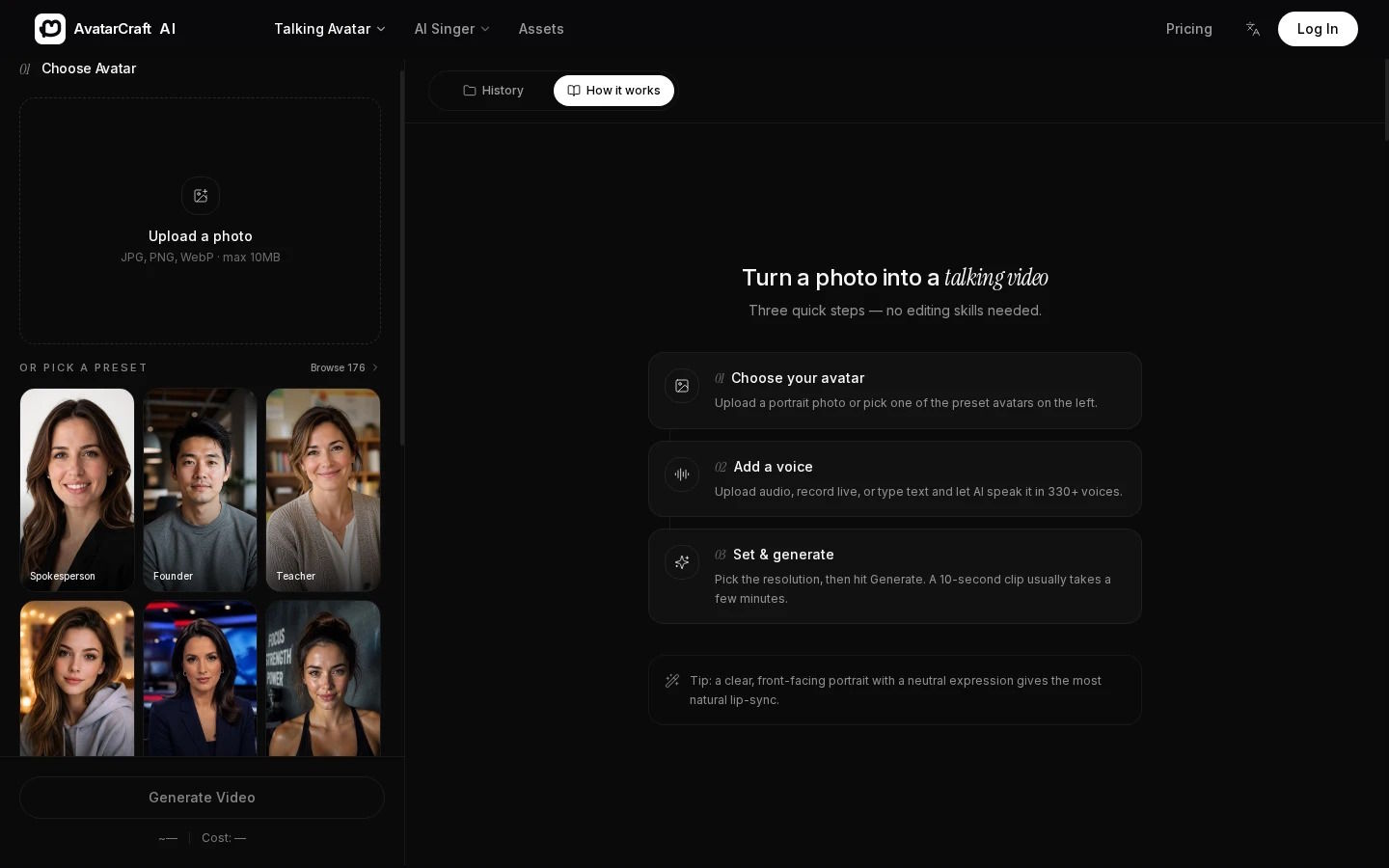
AvatarCraft AI's talking photo workflow.
What Is an AI Talking Photo?
An AI talking photo is a video created from a still image and an audio source. The system generates facial movement so the person or character in the image appears to speak or sing along with the sound.
The image might be a portrait, illustration, or character design. The audio could come from a recorded voice or a script converted into speech.
The terms talking photo, AI avatar, and lip sync often appear together, but they describe different aspects of a project. A talking photo begins with a still image. An AI avatar is a broader term for a digital person or character. Lip sync describes the matching of mouth movement to audio.
One video can involve all three: a photo becomes a digital presenter, and its mouth movements follow the voice track.
How Does AI Turn a Photo Into a Talking Video?
The exact methods differ between platforms, and companies do not always publish details about their models. From a user’s perspective, the process brings together the image, the audio, and the facial motion generated between them.
Finding the face
The image provides the visual reference. The system needs to identify the face and its features, particularly the mouth.
A clear portrait gives the tool more visible information than a distant face in a crowded photograph. The subject does not have to look directly into the camera in every case, but an unobstructed mouth and a reasonably front-facing position are useful starting points.
Using audio to guide movement
The audio determines what the character appears to say and when. A voice recording contains timing, pauses, and pronunciation. Text-to-speech creates an audio track from a written script before the video is generated.
The choice between the two depends on the project. A recorded voice can preserve a particular delivery, while text-to-speech is convenient when the script may need several revisions.
Generating the visual performance
The tool creates changes around the face so that the mouth appears to follow the sound. Some results also include subtle facial movement.
The video is a generated interpretation of the audio. It does not recover the person’s real movements from the original photograph. That makes review particularly important when the image represents a real person or a public-facing brand.
How to Make a Photo Talk
A useful workflow starts before the image is uploaded. Decide who is speaking, what the message needs to communicate, and where the finished video will appear.
Choose a clear image
Use a picture with one clear face and a visible mouth. A portrait, illustration, or character image can work, provided the face is easy to distinguish.
Consider the eventual layout too. If the video needs captions, an image with enough space around the subject may be easier to use than a tightly cropped face.
Prepare the script or recording
Keep the script focused on one message. A product introduction might explain one feature; a lesson opening might tell viewers what they will learn.
Read the words aloud before generating the clip. If a sentence is difficult to say naturally, the written version may need another pass. Names, abbreviations, and numbers are also worth checking because text-to-speech voices can pronounce them differently from what the writer expects.
Generate the clip
Add the image and the chosen audio source, then create the video. Once it is ready, watch the whole clip with sound.
Look beyond whether the mouth moves. Does the delivery fit the message? Is there a pause where one is needed? Does the image remain suitable throughout the clip?
Add supporting visuals
A talking face can introduce a subject, but it may not be enough to explain everything. If the video describes software, a screen recording can show the actual process. If it introduces a lesson, a diagram or title card may help viewers understand the context.
The generated clip can become one part of an edit rather than carrying the entire message by itself.
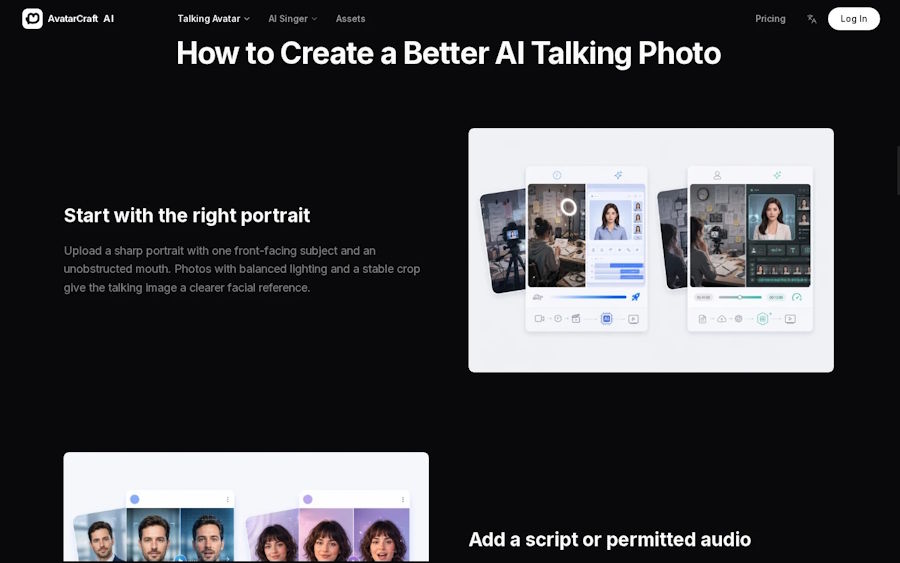
Talking photo creation steps.
What Kind of Photo Works Best?
| Image characteristic | Why it helps |
|---|---|
| One clearly visible face | Makes the intended subject easy to identify |
| Unobstructed mouth | Provides a clearer basis for speech animation |
| Sharp image | Helps retain visible facial detail |
| Front-facing or close to front-facing | Keeps important features easy to see |
| Suitable framing | Leaves space for captions or additional visuals |
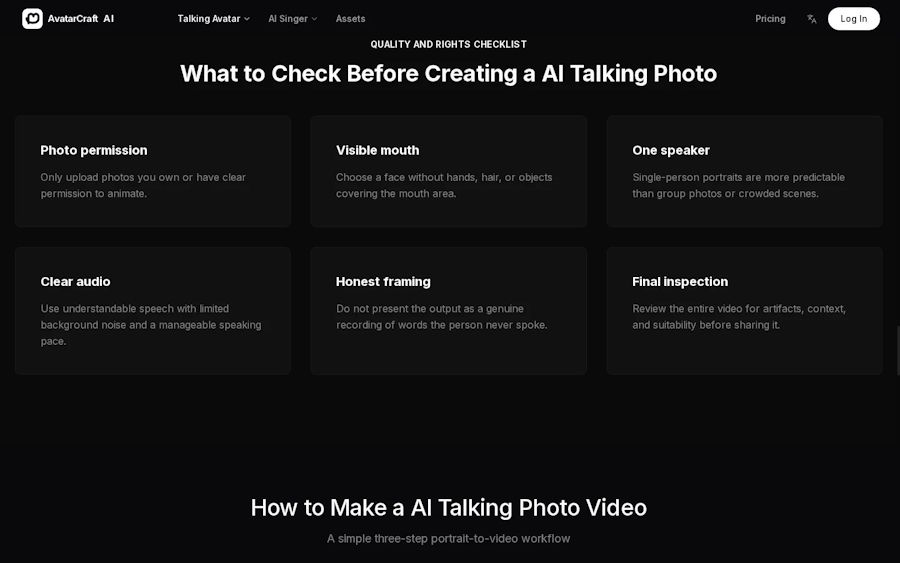
Photo and audio quality checklist.
A clean background can be useful, but it is not a requirement for every project. If the setting contributes to the story, keeping it in the frame may be more valuable than removing it.
Why Can a Talking Photo Look Unnatural?
Several small issues can affect the result. A mouth partly hidden by hair may be difficult to animate. A script with long sentences can sound rushed. A voice may pronounce a product name in an unexpected way.
Rather than replacing every part of the project, identify the specific issue:
- If the face is unclear, try another image.
- If the pace feels wrong, shorten the sentence or adjust the recording.
- If a name is mispronounced, revise the text or record the line.
- If the video feels visually static, add relevant footage or graphics.
- If captions cover the face, reconsider the framing or text placement.
These changes do not guarantee a perfect output, but they make the revision process more deliberate.
Where Are Talking Photos Most Useful?
A talking photo works well when a short spoken message benefits from a visible presenter. Common uses include tutorial introductions, course welcomes, brief announcements, and character-led social content.
It can also help a team explore an idea during production. A short draft may reveal that the script is too long or that the chosen image does not fit the message before more editing work begins.
The format has limits. If a project depends on multiple people interacting, detailed physical demonstrations, or movement across a scene, a single animated portrait will probably need to be combined with other footage.
Frequently Asked Questions
Can I make a photo speak without recording my own voice?
Yes. A text-to-speech feature can turn a written script into audio for the talking photo.
Can I use an illustration instead of a real portrait?
Some platforms support illustrations and cartoon characters. A clear face and visible mouth are useful when choosing the image.
What is the difference between a talking photo and an AI avatar?
A talking photo starts with a still image. An AI avatar is a broader term for a digital person or character, which may or may not begin as a photo.
Can a talking photo include more than one speaker?
That depends on the platform. AvatarCraft AI’s published FAQ says each generated video animates one face, so a conversation would require a different workflow, such as separate clips edited together.
Does the tool decide what the person says?
The creator supplies the script or audio. The system uses that input to generate the visual performance.
A convincing result starts with a clear image and a message that sounds natural when spoken. The animation creates the movement, but the image, voice, script, and final edit still shape what the audience sees.

