

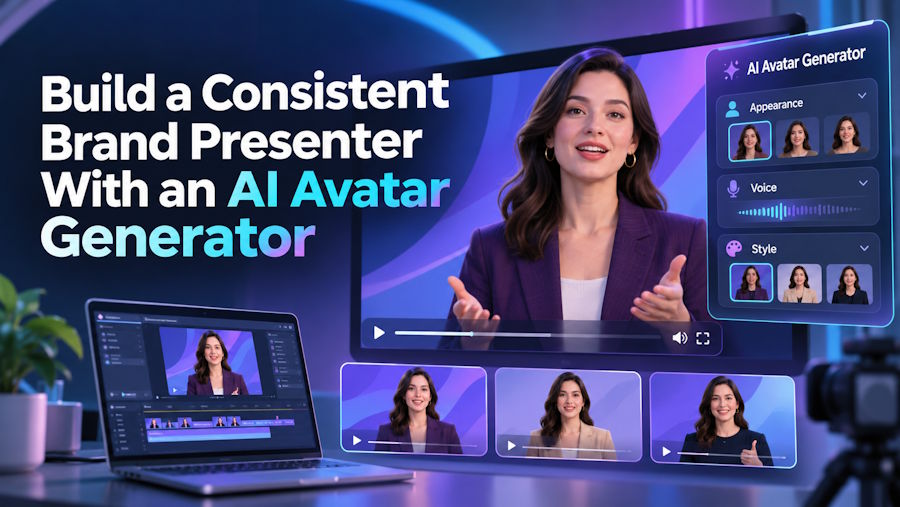
Most brands know that a recognizable face builds trust. The difficulty is keeping that face available. Presenters get busy, schedules shift and every new video means booking time, setting up lights and recording again. Small teams often settle for text on slides or screen recordings, even though they know a friendly presenter would hold attention better.
A digital presenter offers a different path. With the right setup you can create a character that appears in every tutorial, announcement and sales message, looks the same each time and speaks whenever you need it to. The consistency alone makes your content feel more professional.
This guide walks through how to plan a brand presenter, how to create and refine it, and how to use it across the types of videos that matter most. It is aimed at marketers, trainers and small business owners who need regular video without regular filming.
Start With the Role, Not the Technology
Before you create anything, decide what job your presenter will do. A product guide, a course instructor and a customer-support helper each need a different tone, style and level of formality. Writing down the role first keeps every later decision focused.
Think about your viewers. Are they busy professionals who want short, direct answers, or learners who need a patient pace? The presenter's appearance, voice and speaking speed should match those expectations. A relaxed guide suits tutorials, while a polished, confident style suits investor updates or corporate announcements.
Using an AI avatar generator makes this planning stage even more valuable, because you can adjust the character until it fits the role instead of adapting the role to whoever happened to be available.
Create and Refine Your Presenter
A strong avatar is usually the result of a few rounds of small adjustments, not a single attempt. Treat the first version as a draft.
Define the Look
Choose features that suit your brand rather than chasing novelty. Consider clothing style, background and overall color palette, and check that they work with your existing logo and website. A presenter in a neutral outfit against a clean background is easy to place into many types of video.
Choose the Voice
Voice shapes perception as much as appearance. Listen to several options reading the same short script and pick the one that sounds like your brand. Pay attention to pace and warmth, because a voice that sounds rushed or flat will undermine an otherwise good character.
Test With a Real Script
Generate a short video using something your audience actually needs, such as a quick feature walkthrough. Watch it with the sound on and off. With sound off, check the expressions and mouth movement. With sound on, check whether the delivery feels natural. A platform such as AKOOL makes it easy to iterate quickly, so use that speed to refine the details before you build a library of content.
Write Scripts That Suit a Digital Presenter
Scripts written for a person who improvises often fall flat when read by an avatar. Short sentences work best, since they sound natural and are easier to deliver with clear pacing. Open each video with the viewer's problem, give the answer, and end with a single next step.
Read your script aloud before generating. If you stumble over a sentence, the avatar will sound awkward too. Remove filler phrases and long lists of qualifiers. When you need to explain something complex, split it across several short scenes with a visual on screen, instead of asking the presenter to carry the whole explanation alone.
Keep a short style sheet for your scripts: preferred greetings, product names and phrases to avoid. When several people write for the same presenter, this keeps the voice consistent across the whole library.
Where a Brand Presenter Adds the Most Value
Some video types benefit more than others from a recurring digital face. Training and onboarding content is a natural fit because it changes often and needs to remain consistent. When a process is updated, you edit the script and regenerate the video instead of reshooting it.
Product education is another strong area. Short walkthroughs, release notes and frequently asked questions can all be delivered by the same presenter, so customers begin to recognize and trust the source of the information.
Multilingual communication also becomes simpler. A presenter can deliver the same message in several languages, which helps companies serve different regions without recruiting separate on-camera talent for each one. Social media updates, internal announcements and sales follow-ups are all easier to maintain on a regular schedule when no filming session is required.
Keep the Experience Honest and Human
Viewers respond well when they understand what they are watching. Consider mentioning that your presenter is a digital character, particularly in educational or customer-facing content. Transparency avoids confusion and builds goodwill.
Also keep real people in the picture. Use the avatar for repeatable explanations, and bring in team members for moments that call for genuine opinion, humor or empathy. The combination gives your audience efficiency and personality without feeling cold.
A Presenter Your Audience Learns to Trust
A well-planned digital presenter solves a real problem: producing regular video without depending on one person's calendar. Start with the role, refine the look and voice through small tests, and write scripts built for spoken delivery. Apply the character where it saves the most effort, and stay open about how your videos are made.
Pick one recurring video type this month, create your first version, and compare the effort against your usual method. If it frees time and keeps your message steady, you will have a repeatable way to show up for your audience every time they look for you.

