

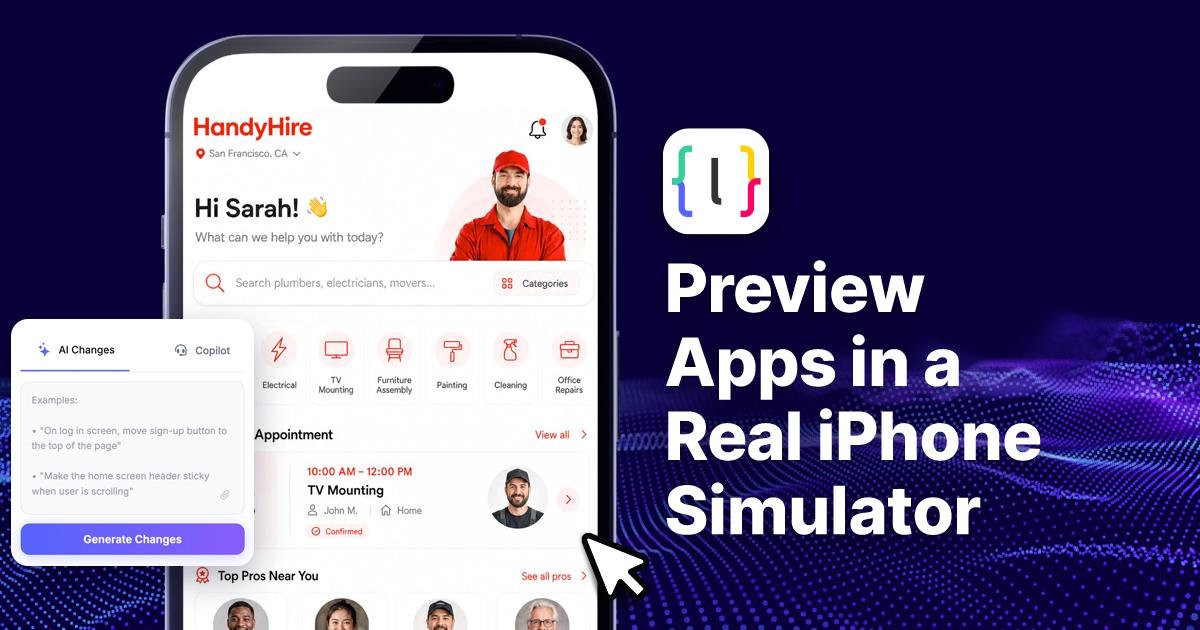
For many years now, "I created something" and "I can actually see it on my phone" have been the hardest parts about creating apps.
That gap is finally closing. Builders can now preview their apps in a real iPhone Simulator the second the app is generated — no export, no separate build step, no switching between five different tools just to check if a screen looks right.
Why This Is More Important Than You Might Think
If you haven’t created an application before, you may view this as merely a minor advantage. However, those who have used app building platforms, either no-code tools or AI-powered coding platforms, know that the preview phase is where everything falls apart.
Most tools would show you a rough web-based mockup — a browser window pretending to be a phone screen. It looked close enough to sell the idea in a demo video, but the second you tried to test a swipe gesture, a haptic tap, or how your app handled a notch or a Dynamic Island, the illusion fell apart. You had to trust that it would "probably" look the same on a real device.
That guesswork is what's disappearing now. When your app appears instantly in a genuine simulator environment, you're not looking at an approximation — you're looking at how iOS itself renders your interface, your fonts, your spacing, your animations. It's the same simulator engine developers have used for years inside Xcode, just wired directly into the builder's workflow.
How LastApp Is Approaching This
One platform putting this idea front and center is LastApp. Instead of treating preview as an afterthought bolted on after code generation, LastApp treats it as part of the generation process itself. You describe what you want, the app gets built, and within moments you're looking at it running inside a proper simulator — not a static image, not a browser frame pretending to be a phone.
What makes this useful in practice isn't just the speed. It's the honesty of the preview. When something looks off in LastApp, you know it's actually off — not an artifact of a fake preview environment. That kind of trust changes how people build. You stop guessing and start iterating.
The Old Workflow vs. The New One
It helps to see the difference laid out plainly. Here's how the typical process used to compare with what's possible now.
| Step | Old Workflow | New Workflow |
|---|---|---|
| Generate app | Prompt or drag-and-drop builder creates code | Same — prompt or builder creates code |
| Preview | Rough browser mockup, often inaccurate | Instant load into a real simulator |
| Testing gestures | Not possible in preview stage | Fully testable — swipe, tap, scroll |
| Checking device quirks (notch, Dynamic Island, safe areas) | Had to export and build first | Visible immediately |
| Time to first real look | Minutes to hours (export + build) | Seconds |
| Confidence in what you're seeing | Low — "it'll probably look like this" | High — "this is exactly how it looks" |
| Iteration speed | Slow, discouraging | Fast, encourages experimentation |
That last row is the one that actually changes behavior. When testing something new costs you ten minutes of build time, you test less. When it costs you a few seconds, you try more ideas, catch more mistakes, and end up with a better product simply because you were willing to check more often.
Who Benefits the Most
This shift isn't just for professional developers. A few groups stand to gain the most:
- Solo founders and indie builders who don't have a dedicated QA person to catch layout issues before a demo.
- Those looking to see their design come to fruition in real-time without having to wait for an engineer to physically construct it.
- Non-technical founders utilizing AI app builders that lacked any proper means of verifying whether or not “done” actually meant “usable.”
- Freelancers and agencies working on many client projects at once, whereby efficiency equals success.
For all of these groups, the old bottleneck wasn't creativity — it was verification. Now that verification step barely exists as a separate task at all.
The Meaning of the Term “Real” in the Context
- In order to be exact, it would be important to understand what is meant by the term “real” in this context, which bears significant weight. When a simulator is called real, it should:
- Have actual iOS rendering rather than its CSS-based imitation;
- Have real screen sizes and safe areas, showing where your elements are placed regarding the notch, home indicator, and status bar;
- Perform true gestures, like swipes, long presses, and scroll behavior that reflects physical device mechanics.
- System fonts and native components rendered the way iOS actually renders them, not a web font trying to imitate San Francisco.
This is the difference between a mockup and a preview. A mockup tells a story. A preview tells the truth.
A Small Change With a Large Impact
It is easy to understate how friction in workflows influences the creative process. When checking your work is slow, you check less often, and you settle for "good enough" more quickly than you'd like to admit. When checking your work is instant, you naturally raise your own bar, because there's no longer an excuse not to look closely.
This is really what's changing with tools like LastApp pushing generation and preview closer together. It's not just a technical upgrade — it's a change in how people think while they build. The feedback loop used to be the slow part of the process. Now it's the fast part, and that changes what people are willing to try.
For anyone who has sat through a build process just to discover a font was three pixels too small, this update is overdue. For those building products in the future who don't need to suffer through that particular pain point, it just became part of the landscape of development.
FAQ
Is that the same thing as a browser-based mobile preview?
No. The difference between a browser preview and the iOS Simulator is that in the former, the website is scaled down to fit the dimensions of a mobile device. In the latter, the actual iOS OS is loaded.
Do I have to download Xcode or other software to view this preview?
No. This simulator preview is integrated directly in the generation process, so it will show up automatically when you create your app.
Does this mean no more testing on physical devices?
Yes, it means that physical testing can be reduced at this early stage of development, although testing your app on a physical device prior to release is always a good idea.
Is this helpful for non-technical people?
Yes, and more than that because non-technical creators didn’t have any means of assessing whether the app is doing what it’s supposed to do. The accurate and immediate preview eliminates all of this guesswork.
Does faster preview contribute to better end-product quality?
In most cases, yes, because quicker feedback cycle means more iterations and more iterations mean fewer problems at launch.

