

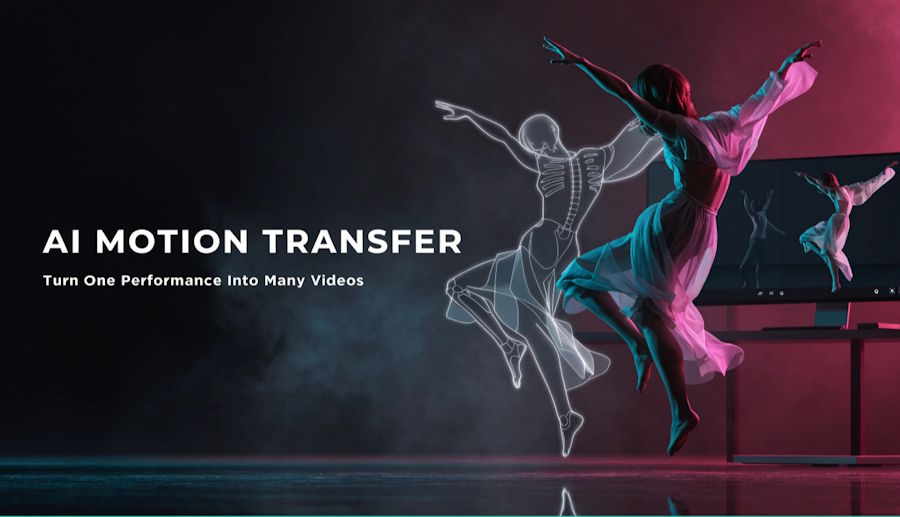
A dance clip goes viral, and thousands of people want to recreate it. Few have the choreography skills, the studio, or the time to film multiple takes. This is where AI motion transfer comes in. Instead of re-shooting a performance, creators take the movement from one video and apply it to a new character, look, or scene.
This guide explains how motion transfer AI works and why creators are adopting it. It also shows how to use it well with platforms like AIReel, which is built for this kind of video creation.
What Is AI Motion Transfer?
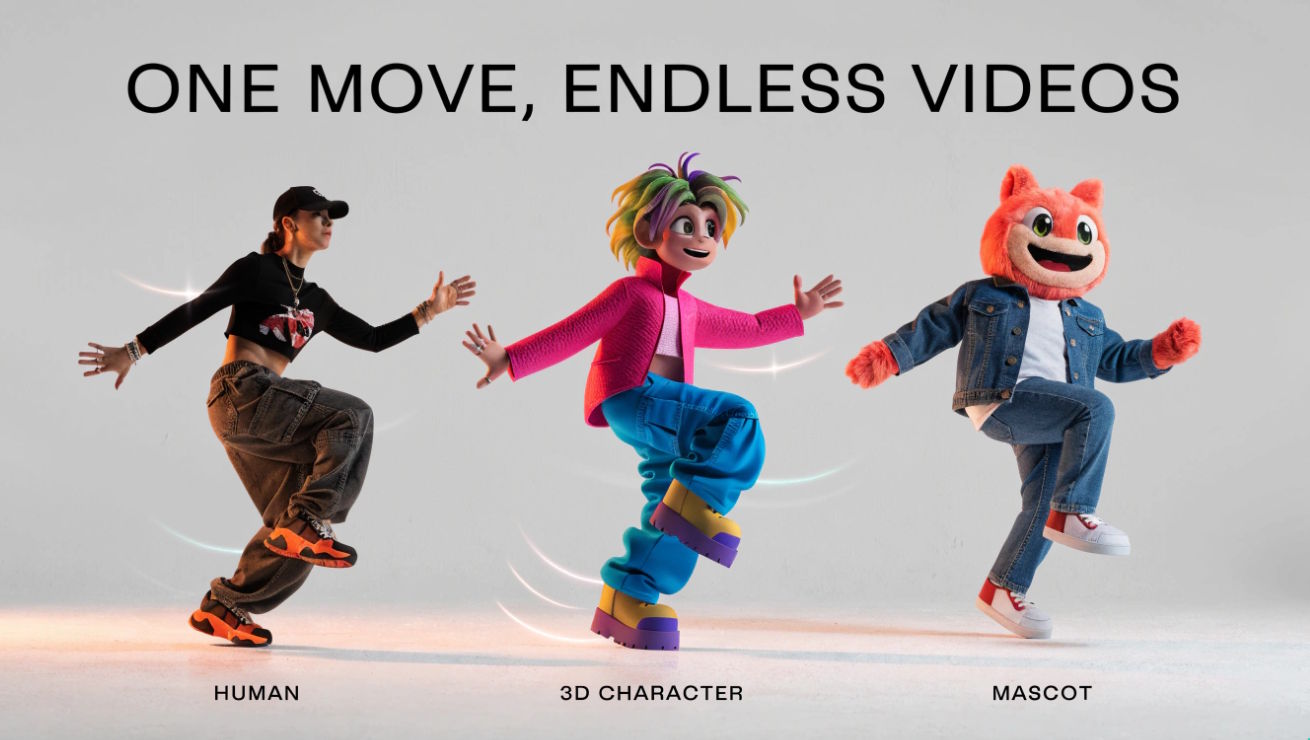
AI motion transfer uses movement from a reference video to animate a subject from a target image. The model uses the reference’s poses, gestures, and timing to generate a new video featuring your character or avatar.
One input guides the movement; the other defines the subject’s appearance. The same motion reference can be reused with different characters, making one performance a starting point for several videos.
Inside the Process: How Motion Transfer AI Reads, Maps, and Rebuilds Movement
Although the details vary between models, the workflow generally follows three steps.
- Movement guidance. The reference video provides guidance for poses, gestures, and timing.
- Appearance guidance. The target image provides visual details such as the subject’s face, proportions, clothing, and style.
- Video generation. The model combines these inputs to generate a new performance. Motion accuracy and visual consistency vary by model and input quality.
Output quality depends heavily on both inputs, which is why preparation matters.
Why Creators Use AI Motion Transfer Instead of Reshooting
Dance content without the filming overhead. With an AI dance generator workflow, a creator can take a trending routine and apply it to a mascot, brand character, or stylized portrait, with no dancers or studio needed.
Consistent characters across many videos. Reusing the same character image can help maintain a consistent appearance across videos, although details may vary between generations.
Fast creative experimentation. Creators can try several characters, styles, or settings with the same movement and see which version works best.
Accessible performance content. An AI dance video workflow lets people who are uncomfortable on camera, or who can’t perform complex choreography, still produce expressive content.
Real-World Ways to Use AI Dance Videos, Performance Remakes, and Character Animation
Dance remixes and trend participation. Recreate a popular routine with a new character, costume, or art style.
Brand mascots and virtual characters. Give a mascot natural, human-like movement for ads, social posts, and explainers.
Music content. Pair a track with a performing character, even without a live shoot.
Performance remakes. An AI video remake reworks an existing performance with a new look while keeping the timing and energy of the original.
Educational and fitness demos. Apply one demonstrated movement to different instructors, avatars, or localized lesson versions.
Storytelling and short films. Let acting beats and gestures from a reference drive animated or stylized characters.
Why Viral AI Remakes Like Hotel Lobby and Closed on Sunday Show Motion Transfer at Work
If you've been browsing TikTok or Instagram Reels lately, you've likely seen the power of AI motion transfer already. Viral remakes are all around and AIReel enables creators to produce the same type of video. It's straightforward: The original video provides the movement, timing, performance, and sometimes even the camera flow, while AI recreates the scene with a different character or appearance. Some of the formats illustrate this:
- Hotel Lobby performance remakes. Two new performers, such as friends, pets, or fictional characters, step into the orange-booth setup of a 2022 COLORS performance. The staging, rhythm, and shared-microphone moment stay recognizable while the faces change.
- Closed on Sunday choir-style remakes. These borrow the calm central figure and swaying choir from the hillside scene in the 2019 music video. Creators put a pet, a mascot, or themselves at the center and often keep the slow camera pullback.
- Dance and stage-performance recreations. A popular routine becomes a template. The choreography is preserved, and the dancers are replaced with pets, fictional characters, mascots, or other people.
- Same choreography, new world. Creators keep the movement and camera path but change the location, outfit, or visual style, so one performance becomes many different videos.
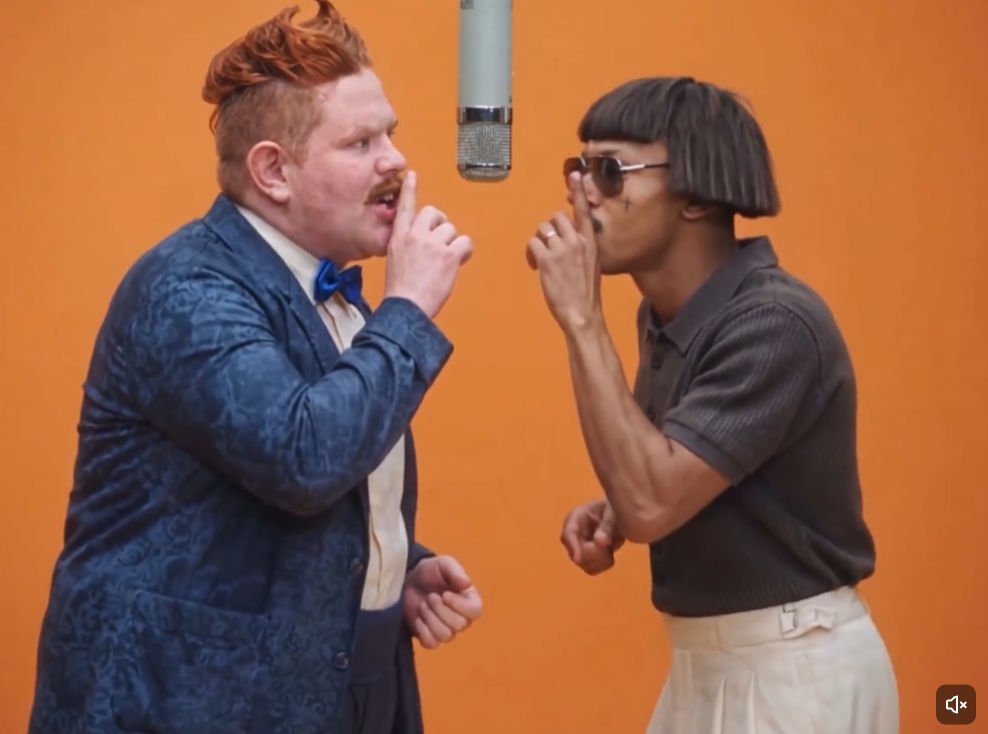
These formats can be customized with AIReel. Upload the performance video as your movement reference, upload an image of the person or character you want to appear in the new video, describe how you want it to look, and generate. The generated video follows the reference’s movement and timing, although individual gestures, expressions, and camera motion may vary.
These formats work because viewers recognize the original performance without needing a lengthy explanation. The recognizable part is the movement, the new character need only inherit it. This is the essence of video motion transfer, and why a clean motion reference and a well-prepared subject image are of paramount importance.
Picking a Reference Video That Gives the AI Clean, Readable Movement to Follow
The reference video is the foundation of every result. When working with a motion-reference video, a few habits make a clear difference. This is also where a dedicated tool helps. With the AI Motion Transfer feature, you upload your motion video and your subject, and the system handles the mapping between them, so a clean source clip directly improves what you get back.
- Keep the full body visible. If limbs leave the frame, the AI has to guess, and guesses show up as artifacts.
- Use a clear, uncluttered background. Busy scenes and extra moving people can confuse tracking.
- Prefer steady camera work. Heavy shaking or rapid cuts make movement harder to read.
- Watch the lighting. Evenly lit footage makes the subject’s movements easier to interpret.
- Start with moderate speed. Very fast spins or overlapping movements are harder to reproduce.
Think of the AI video reference as a brief to the model. The clearer it is, the closer the result will be to your idea.
Getting Your Character or Image Ready So the Transferred Motion Looks Natural
The subject you animate matters just as much as the reference.
- Use a high-resolution image with a clear view of the subject.
- Match the pose and framing roughly to the reference. A full-body reference works best with a full-body character image.
- Avoid heavy obstructions, such as objects covering the body.
- Keep proportions in mind. Characters with very different body shapes may need more testing.
A Simple Step-by-Step Workflow for Turning One Performance Into a Brand-New Video
- Choose your motion reference. Pick the video with the dance or performance you want to reuse.
- Add your subject. Upload the character or image that should perform the movement.
- Refine your settings and prompt. Describe the style, setting, or details you want.
- Generate and review. Check for motion accuracy, visual consistency, and smoothness.
- Iterate. Adjust inputs or try another reference until the output matches your vision.
Because AI video motion control is iterative, expect to run a few versions. Small changes to the reference or subject image can noticeably improve results.
Practical Tips for Sharper, Smoother, More Believable AI Motion Control Results
- Test with short clips first. Confirm the motion looks right before committing to longer videos.
- Match energy to character. A stiff cartoon and a flowing hip-hop routine may need different references.
- Keep prompts specific. Describe setting, style, and mood without contradicting the reference movement.
- Review hands and face closely. These are the hardest details to get right.
- Build a reference library. Save references that work well and reuse them across projects.
Using Motion Transfer Responsibly: Copyright, Consent, and Honest Labeling
Reusing movement raises real questions that creators should handle thoughtfully.
- Respect ownership. Choreography and performance footage may be protected. Use references you created, have licensed, or have permission to use.
- Get consent when real people are involved. Do not apply someone’s likeness or performance without agreement.
- Be transparent. Label AI-generated content where appropriate.
- Avoid misleading uses. Do not use motion transfer to impersonate people or fabricate events.
Where AI Performance Transfer Is Heading Next and What It Means for Creators
AI performance transfer is moving beyond simple dance clips. As models improve, expect more accurate hand and facial detail, better handling of multi-person scenes, and smoother long-form output. The creative question is shifting from “can I film this?” to “what do I want this character to do?”
Movement becomes a reusable asset: one great performance can inspire dozens of new videos across characters, styles, and platforms.
Conclusion
AI motion transfer lets creators reuse a performance with a different subject or visual style. It can reduce the need for new shoots and make it easier to test dance videos, character animations, and performance remakes, though results still depend on the reference, subject image, and model.
Start with a short, clearly filmed reference and a well-prepared subject image. On AIReel, choose a compatible reference-video workflow, generate a first version, and review the movement and character details before refining it.

