

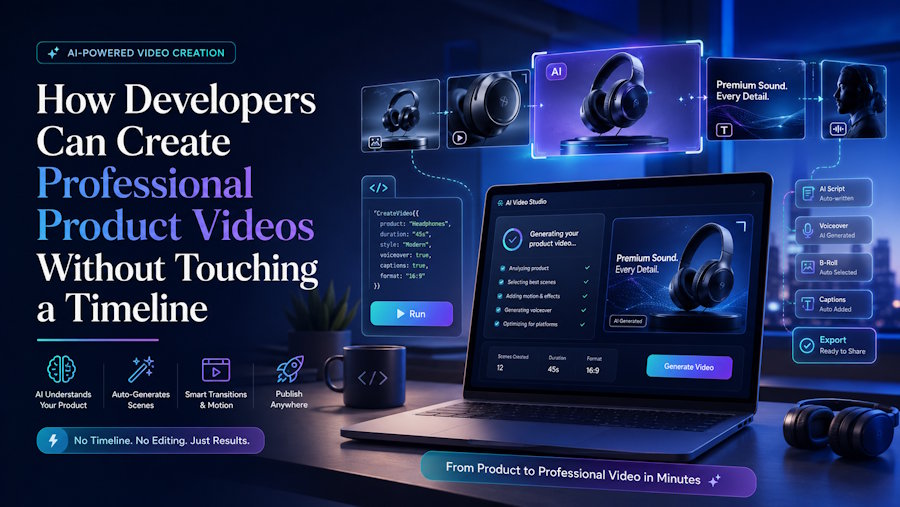
Building a great product is only half the job. Getting people to understand what you built, especially when it involves code, APIs, or a technical workflow, is a challenge most developers never trained for. Screenshots and README files only go so far. Video has become the fastest way to explain a feature, walk through documentation, or pitch a project to non-technical stakeholders, yet most developers avoid video production because it feels like a completely separate skill set.
That gap is closing quickly. A new generation of browser based tools now lets developers turn scripts, screen recordings, and product screenshots into polished videos without learning editing software. This matters more than it might seem at first glance, because video has quietly become part of the developer toolkit, sitting right next to documentation and demo repos.
Why Developers Are Being Pulled Into Video Production
A few years ago, video was something marketing teams handled after a product shipped. Today, the expectations have shifted. Open source maintainers record short walkthroughs for new contributors. Indie hackers post build in public videos to grow an audience. Startup engineers get asked to record a quick Loom style demo before a client call. None of these people identify as video editors, but all of them are now expected to produce clean, watchable content on a tight schedule.
The problem is that traditional editing tools were built for editors, not engineers. Timeline based software like Premiere Pro or Final Cut has a real learning curve, and most developers do not have the time or the interest to climb it. What they need instead is something closer to how they already think about building things: describe the outcome, let automation handle the repetitive parts, and keep manual control only where it actually matters.
What AI Video Tools Actually Automate
The useful part of AI assisted video editing is not that it replaces creative judgment, it is that it removes the mechanical steps that used to eat up hours. Cutting dead air out of a screen recording, syncing captions to spoken audio, resizing a video for different platforms, or generating a voiceover from a script are all tasks that used to require manual timeline work. Now they can be handled through a prompt or a single click.
For a developer, this changes the math on whether making a video is worth the time. A five minute product walkthrough that once took an afternoon to cut together can now be assembled in under thirty minutes, including captions and a basic soundtrack. That is the difference between video being a nice to have and video being something a solo developer can realistically ship alongside every release.
This is exactly the kind of workflow the Renderforest AI Video Editor is built around, letting anyone generate professional looking videos using AI powered tools without prior editing experience. For a developer who just wants to explain a feature or show off a project without learning a new piece of software, that kind of tool fits naturally into an existing workflow rather than replacing it.
Practical Use Cases for Technical Teams
Feature walkthroughs. Instead of a wall of text explaining a new API endpoint or UI change, a short video showing the feature in action tends to get watched, shared, and understood far faster than documentation alone.
Onboarding content. Engineering teams that record a standard onboarding video for new hires save themselves from repeating the same explanation every time someone joins. AI editing tools make it realistic to update that video every quarter instead of leaving it stale for years.
Open source project demos. A README with a linked demo video consistently gets more stars and more contributors than one with static screenshots. Maintainers who invest ten minutes in a clean walkthrough often see a noticeable bump in engagement.
Client facing updates. Freelancers and agencies that send a short recorded update instead of a long email tend to close feedback loops faster, since clients can see exactly what changed rather than parsing a written list of edits.
Social and portfolio content. Developers building a personal brand or job hunting increasingly rely on short videos to showcase projects, since a thirty second clip of a working app often communicates more than a paragraph of description.
Where AI Editing Fits Into a Developer's Toolkit
It helps to think of AI video tools the same way most developers already think about frameworks and libraries: they are there to handle the repetitive, well understood problems so attention can go toward the parts that actually require judgment. Nobody writes a JWT authentication flow from scratch anymore when a solid library already exists. Video editing is heading the same direction. The mechanical parts, trimming, syncing, resizing, formatting for different platforms, are increasingly handled by automation, while the actual message and structure of the video remain a human decision.
This does not mean video replaces documentation or written content. It complements it. A developer who pairs a well written README with a short, clear video walkthrough is communicating on two channels at once, meeting people where they prefer to learn.
Getting Started Without Overthinking It
The easiest way to start is small. Pick one feature, workflow, or project that could benefit from a two to three minute explainer. Record a rough screen capture, write a short script, and let an AI powered editor handle the trimming, captions, and pacing. The first attempt does not need to be polished. What matters is building the habit of turning technical work into something watchable, since that skill compounds over time the same way writing clear commit messages or documentation does.
Video is no longer a specialist skill reserved for marketing teams. For developers willing to spend thirty minutes learning a new tool instead of a new timeline, it is quickly becoming just another part of shipping good work.

