


From customized signature pads to our personal web version of MsPaint, these libraries are a good start if you want to enter in the awesome canvas world. The top has been made according to the difficulty of implementation and how friendly is the API with the developer (including dependencies).
5. wPaint
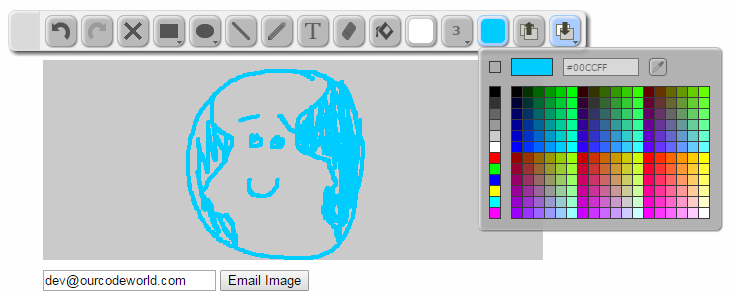
wPaint is a jQuery paint plugin for a simple drawing surface that you can easily pop into your pages, similar to the basic windows paint program. This plugin requires jQuery UI.
4. Sketchpad
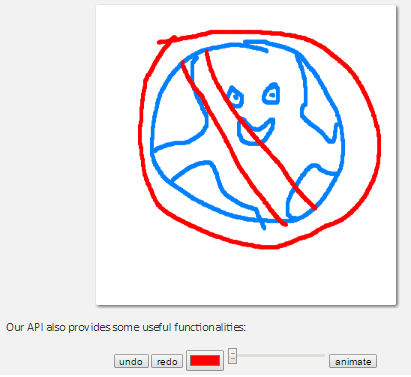
Sketchpad is a simple sketchpad project, the API provides a variety of functionalities as undo and redo manager and stroke size. You can even animate the drawn path.
3. Sketch.js
Sketch.js is an easy-to-use jQuery plugin that allows you to create canvases upon which visitors can draw. The code is partially inspired by William Malone's drawing app tutorial as well as CanvasPaint.
2. Responsive Sketchpad
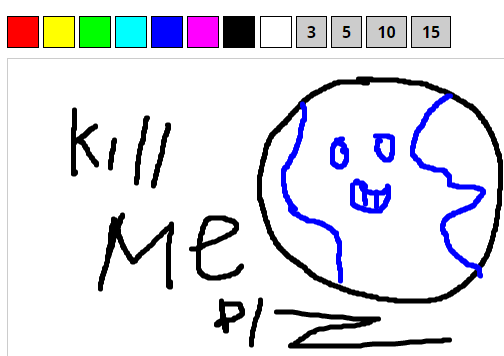
Responsive Sketchpad A completely responsive, HTML5 canvas sketchpad for use on desktop and mobile browsers. You can draw at any size on the canvas, then you can give dynamic dimensions using javascript and the strokes will be resized too.
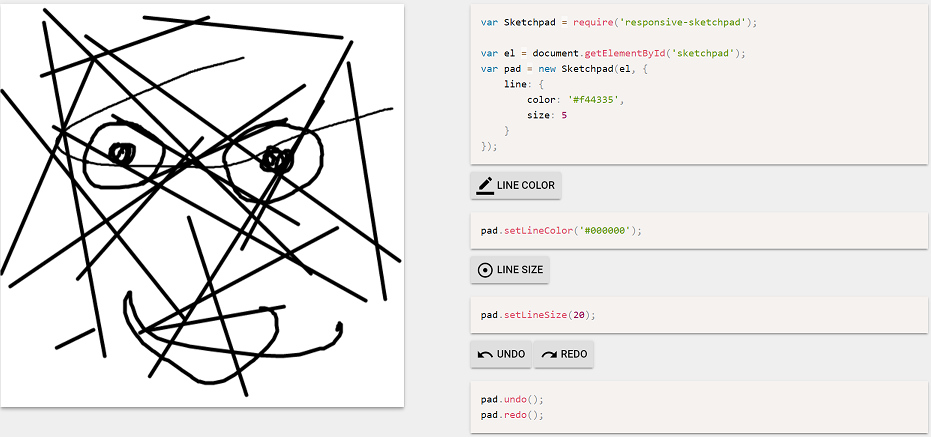
1. Atrament.js

Atrament.js is a tiny JS library for beautiful drawing and handwriting on the HTML Canvas, it enables the user to draw smooth, natural drawings and handwriting on the HTML canvas using a touchpad or the mouse.
Extra
Literally Canvas
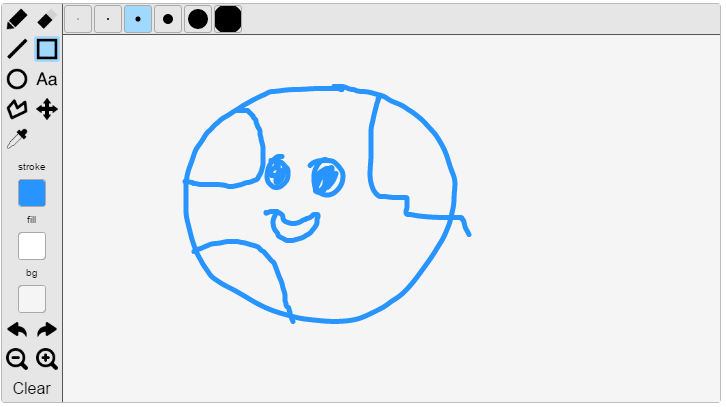
Literally Canvas is an awesome HTML5 drawing widget, but React.js is a dependency. It supports undo and redo manager, zooming pane, selection, eraser, stroke size changer and many more features.
Painterro
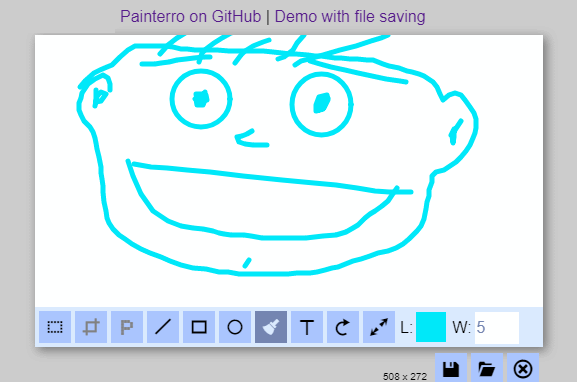
Painterro is JavaScript paint widget which allows editing images directly in a browser. It can be easily integrated into your website or blog by including only one js file and calling initialization code. With Painterro you can:
- Paste image from clipboard with
Ctrl+V(e.g.PtnScrscreenshot), drag and drop it into widget, or load with open dialog - Crop image by defined area
- Paint primitives (alpha color can be used)
- Add text
- Rotate / resize (scale) image
- Pixelize some area to hide sensitive data
If you know another awesome sketch plugin, please share it with us in the comment box !

